
Kids Games 2 v1.0.20 MOD APK (Premium Unlocked)
Updated on November 11, 2026App Info
| App Name | Kids Games 2 |
|---|---|
| Publisher | Mini Muffin expand_more |
| Genre | Educational |
| Size | 45M |
| Version | 1.0.20 |
| MOD Info | Premium Unlocked |
| Get it On |

|
| Requires | android Android 5.1 |
Screenshots
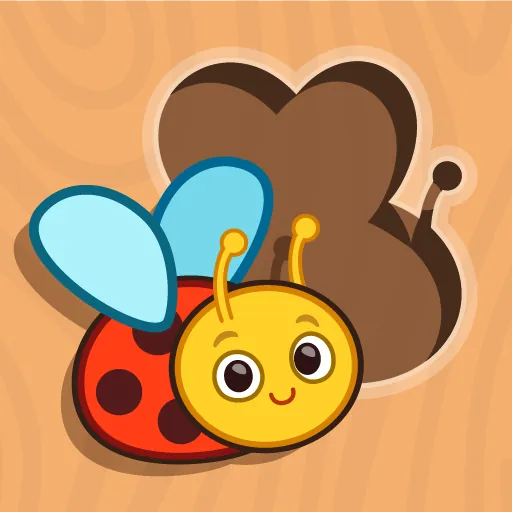
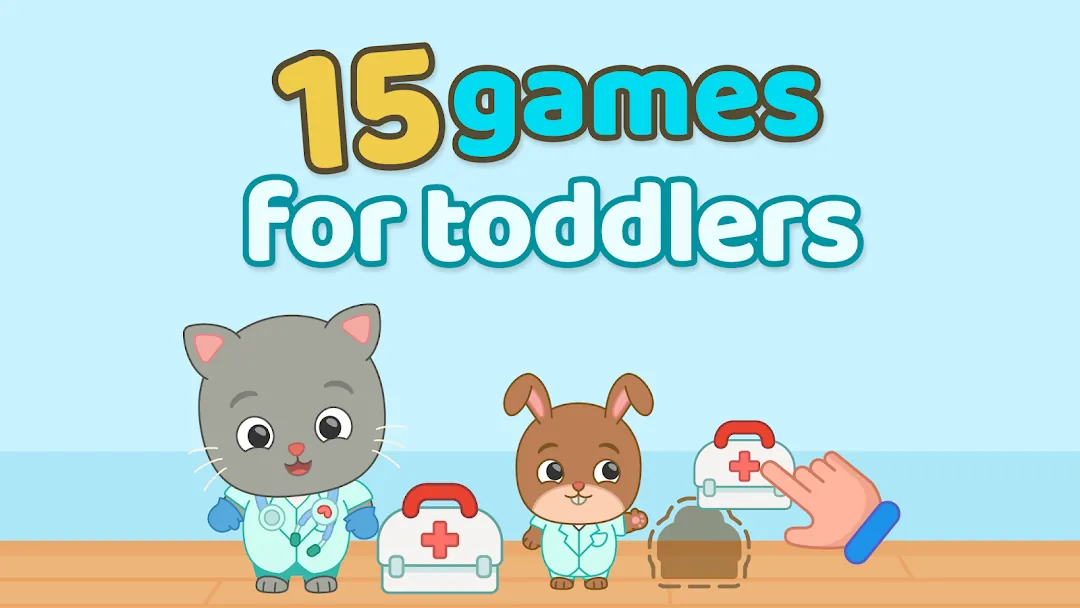
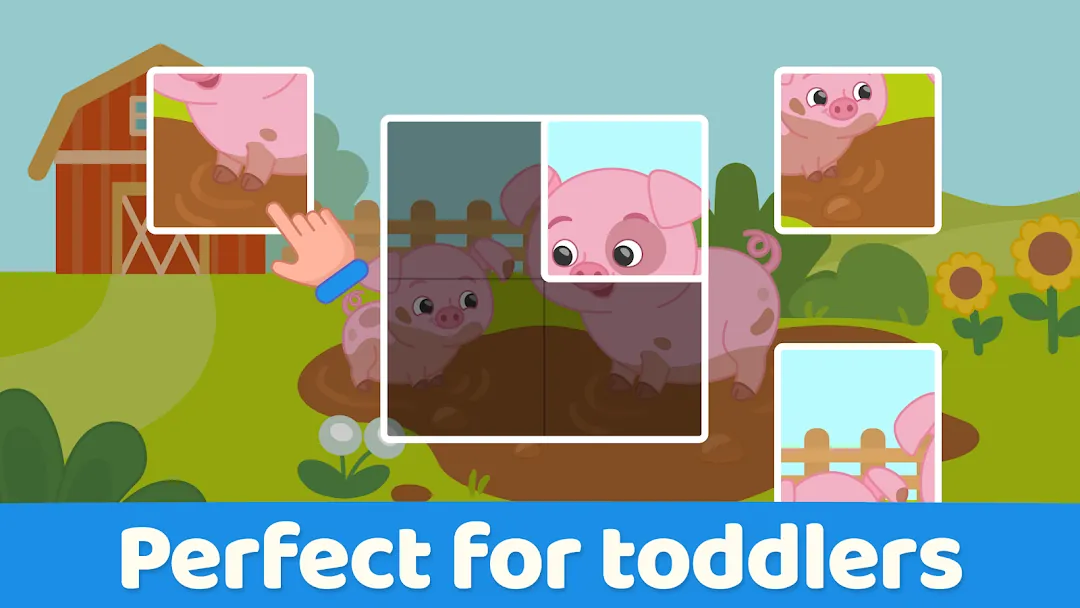
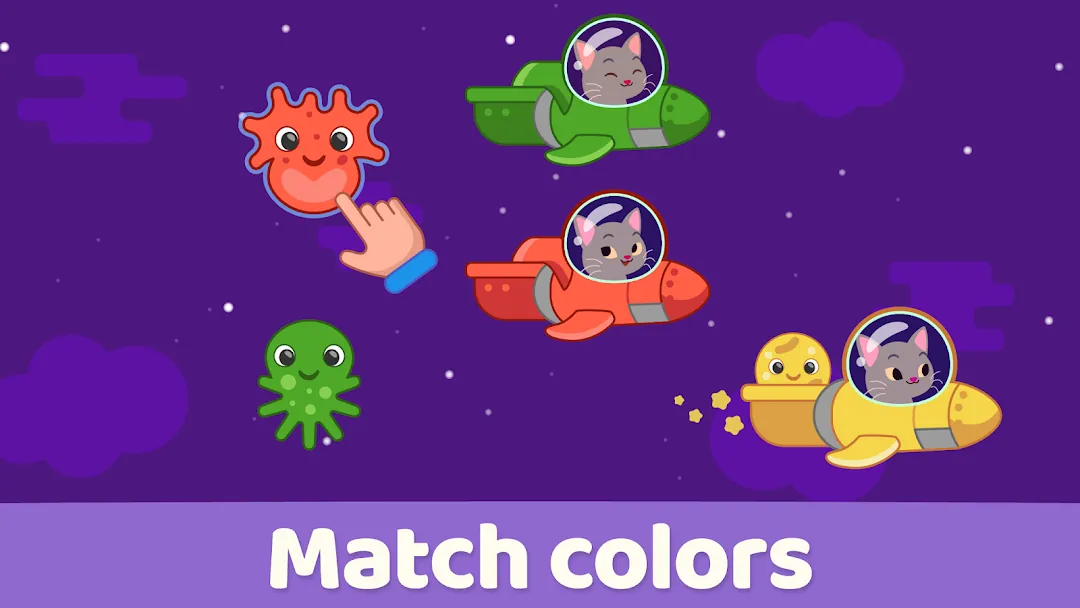
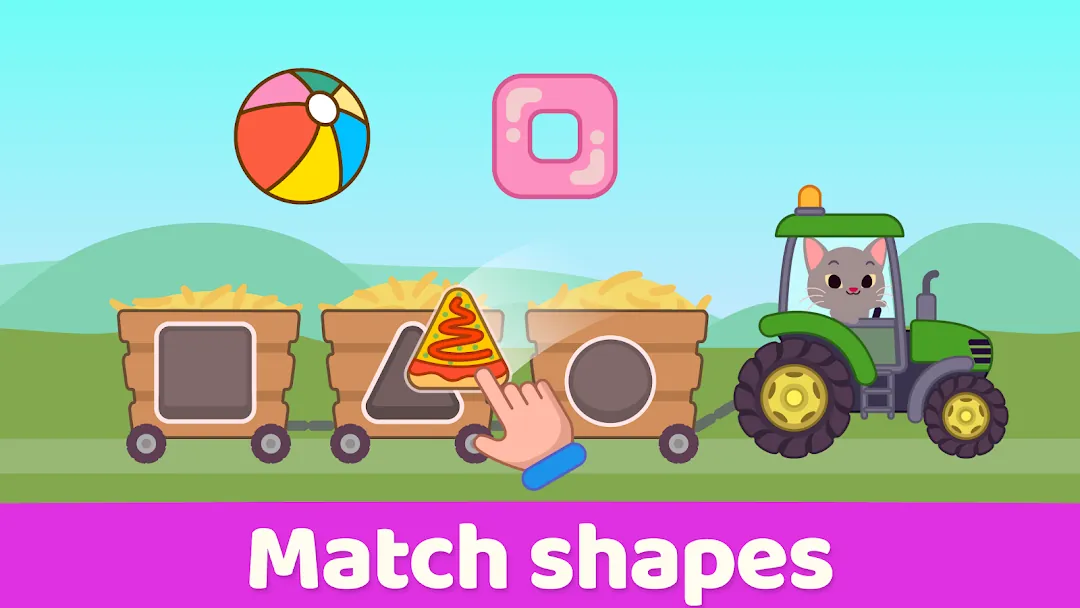
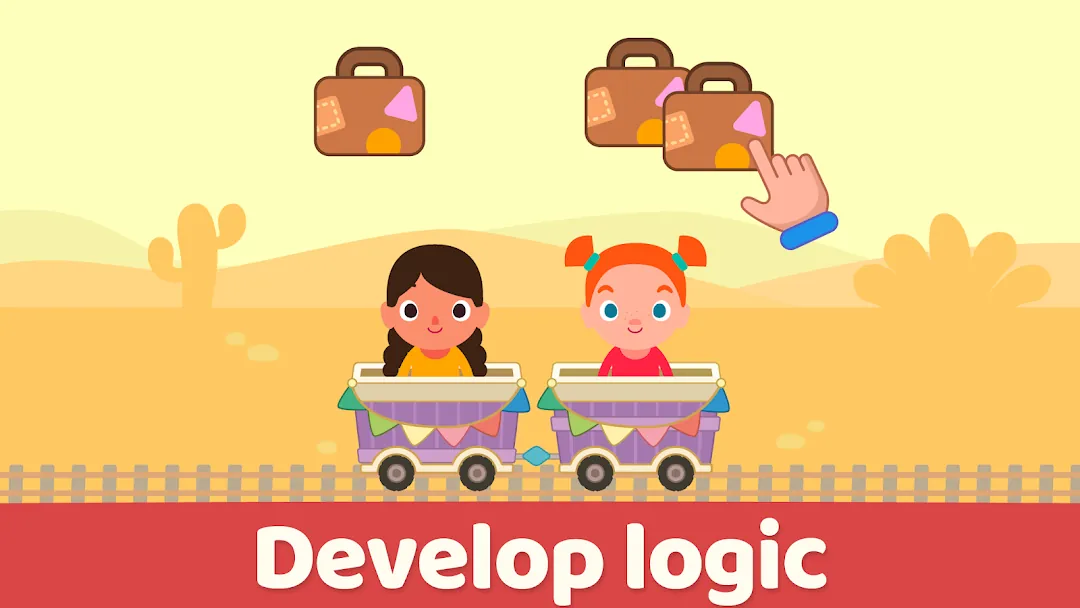
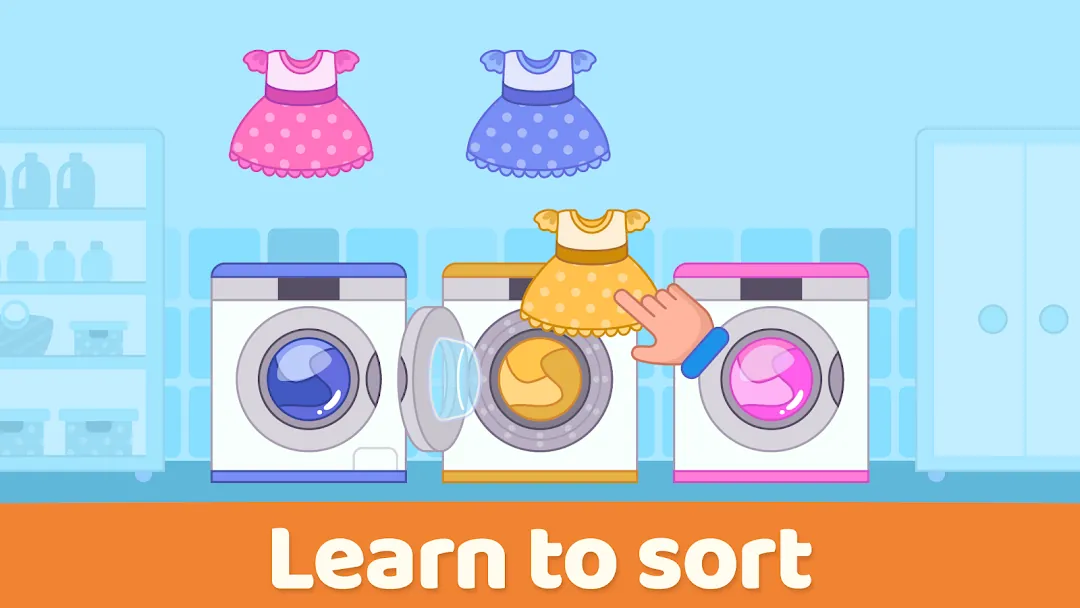
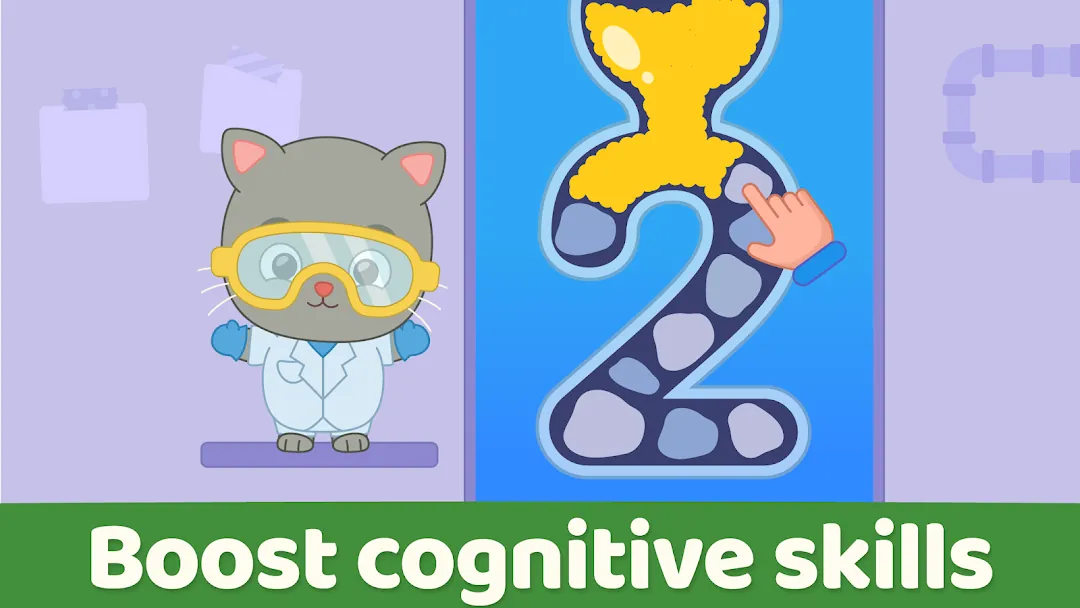
The Kids Games 2 MOD APK provides a comprehensive educational environment designed specifically for early childhood development. This modified version ensures that parents and educators can access the full suite of learning tools without the typical restrictions found in standard releases. By utilizing the Kids Games 2 MOD APK, the learning process becomes seamless, offering a wide array of activities that focus on cognitive growth, fine motor skills, and logical reasoning for children between the ages of two and five.
What This MOD Changes
This modification provides a Premium Unlocked status for the entire application. In the standard version, various educational modules, specific mini-games, and advanced learning levels are often restricted or require individual purchases to access. The Kids Games 2 MOD APK removes these barriers, granting immediate access to all premium content. This includes every category of game, from basic shape recognition to more complex problem-solving puzzles, ensuring that the child has a diverse range of instructional materials available from the first launch.
Version and Compatibility
The following technical details apply to this specific build of the application:
- Package name: com.minimuffin.gardenstories
- Version: 1.0.17 (Build 26)
- Minimum Android version: Android 6.0 (API 23)
- File size: 46 MB
- Package type: Single APK (no additional OBB data files required)
Because this is a modified file, it uses a different digital signature than the version available on the Google Play Store. As a result, this MOD cannot be installed as an update over an existing official installation. You must perform a fresh installation to ensure the modified features function correctly.
How to Install
To install the Kids Games 2 MOD APK on your Android device, follow these steps:
- If you currently have the official version of the app installed from the Play Store, you must uninstall it first to avoid signature conflict errors.
- Open your device settings and navigate to the Security or Privacy section.
- Enable the option to install apps from “Unknown Sources.” On newer Android versions, you may need to grant this permission specifically to your browser or file manager app.
- Locate the file named Kids-Games-2-v1.0.17-MOD-thinkkers.com.apk in your Downloads folder.
- Tap the file to begin the installation process.
- Once the installation is complete, launch the app to access all premium educational features.
How This Compares to the Original Release
This MOD is built upon the official 1.0.17 release of the application. While the core gameplay and educational content remain identical to the developer’s original vision, the primary difference lies in the accessibility of content. The original release often limits the number of games available to free users, whereas this version provides the full Premium Unlocked experience. There are no changes to the user interface or the underlying educational logic, ensuring the child receives the same pedagogical benefits intended by the original developers, but without the interruption of locked content menus.
About Kids Games 2
kids games 2 is a training platform that is designed to be a developmental toy for toddlers and younger kids. The developmental changes in young children are rapid and this application takes advantage of this window of opportunity by arranging its content to cover kids aged 2 to 5. Kids Games 2 is designed to enable kids to learn and sharpen skills they will use in their school years.
The application is designed to comprise games which are separated based on the educational goals. Finding a mobile application which provides educational value has been a daunting task for many parents. Kids Games 2 attempts to fill this void by incorporating the building blocks of early childhood education and expanding the mind of kids such that they become problem solvers.
Each of these categories is designed such that the games offered do not lead to frustration and boredom which ultimately results in a learning application becoming useless.
The category of Ability-Building Recreations is another important element of the application. These activities serve the purpose of building children’s skills step by step with more complicated concepts. For a two year old this may mean doing an activity to work on color matching or shape identification. With the help and guidance from the adults in the child’s life, the application offers more complicated activities as the child gets older requiring more coordination, sequence and processing. The application helps build these skills with a series of games and activities. These games help build skills in a way that is not intrusive and are more geared towards exploration.
Along with the emphasis on building skills, the application gives a strong emphasis on Brain Advancement Boost. These activities are more geared toward stimulating the development of the child’s brain and their ability to make inferences and engage in higher level thinking. These activities may be in the form of memory games or games that help kids learn to make associations and determine patterns. These games are not simply games to find the right answers but games that stimulate a child’s ability to engage in higher order thinking.
Kids Games 2 has many games focused on developing problem-solving skills. The “Problem-Solving Hone” area presents children with a variety of problems or obstacles they need to get past. These can vary from figuring out how to get a certain piece to fit in a puzzle to determining how to get a toy to do what it is supposed to do. The application provides a safe and comforting place where children can attempt a solution and try again if it does not work out. Resilience and logical thinking are developed through this process. Learning to apply a variety of methods to come up with ways to accomplish the goal is an important skill for developing a child’s academic and social skills.
As mentioned, Kids Games 2 uses a “Toddler-Friendly Plan” to target children from the age of 2. The interface is designed in a way to allow a Natural Child Interface to facilitate using the application to its full potential.
This means that even a child who cannot yet read is able to navigate the menus and pick games with very little adult help. There’s a clear icon, big button system, that makes the pathways easy to understand. This level of accessibility is key to making young learners feel independent and in control of their education.
The application is a parent’s dream for screens time. Kids Games 2 distinguishes between different age groups and developmental needs, giving kids a personalized, and growing, experience. The application offers a structured and flexible platform to work on a myriad of cognitive and social skills. Interaction is touch screen, which strengthens a child’s finger skills. It also offers different types of logic puzzles to help solve and further a child’s cognitive skills. For a child aged 2 to 5, this application offers a friendly and positive visual style while teaching different skills.
FAQ
Is Premium unlocked in Kids Games 2 MOD APK?
This Kids Games 2 (1.0.20) build includes Premium Unlocked. It functions like the Mini Muffin release, and you will see the changes immediately after installation.
What is the latest version of Kids Games 2 MOD APK?
Version 1.0.20 matches the Mini Muffin release from November 11, 2026. We don’t keep older versions here. Update by installing this build over your current app; if you see a signature conflict, uninstall the old one first.
Is Kids Games 2 MOD APK safe to download?
This Kids Games 2 1.0.20 file is the Mini Muffin app with Premium Unlocked. Expect a Play Protect warning during installation, and always download from this page.
Can I use Kids Games 2 MOD APK on PC or iPhone?
This Android app won’t work on iPhone or iPad. To use the 45M file on Windows or macOS, install an emulator like BlueStacks or LDPlayer, then drag the APK into it.