
Armed Air Forces v1.0667 MOD APK (Unlocked Plane)
Updated on November 26, 2026App Info
| App Name | Armed Air Forces |
|---|---|
| Publisher | Flight Sim Studio |
| Genre | Simulation |
| Size | 594M |
| Version | 1.0667 |
| MOD Info | Unlocked Plane |
| Get it On |

|
| Requires | android Android 5.1 |
Screenshots
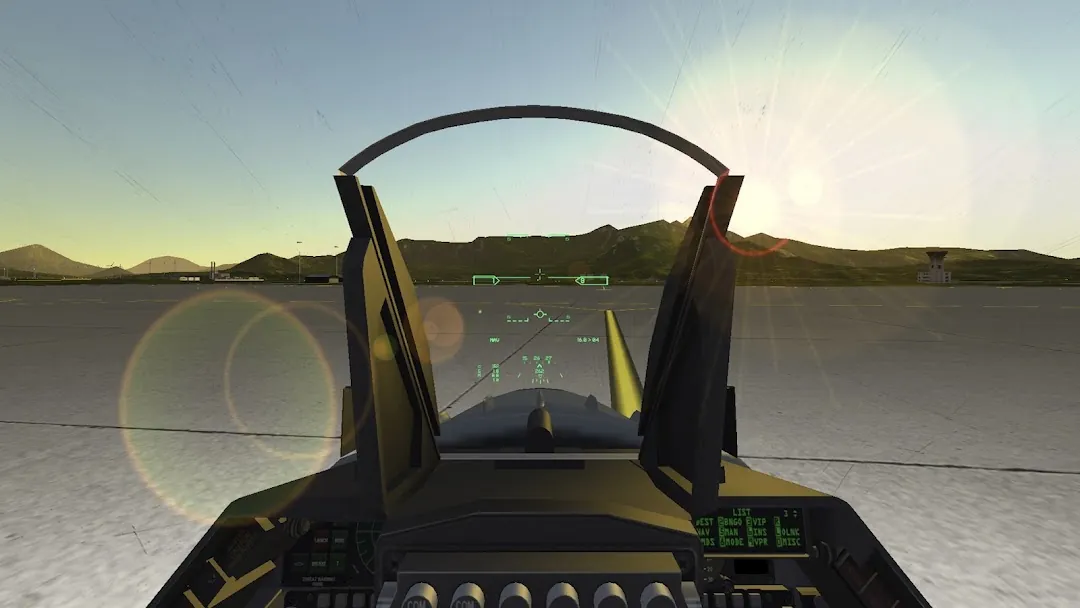
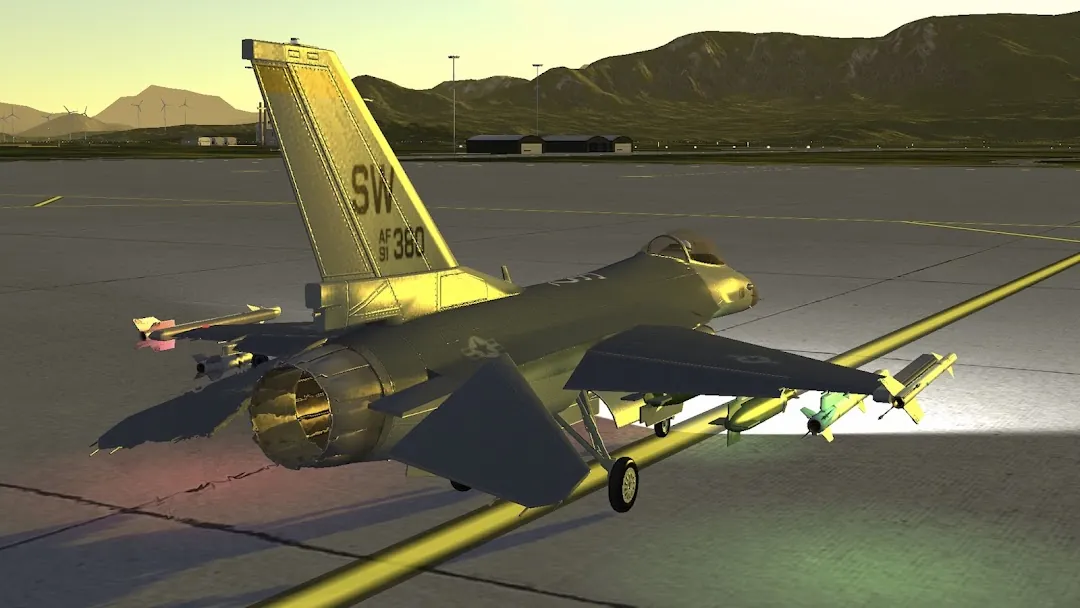
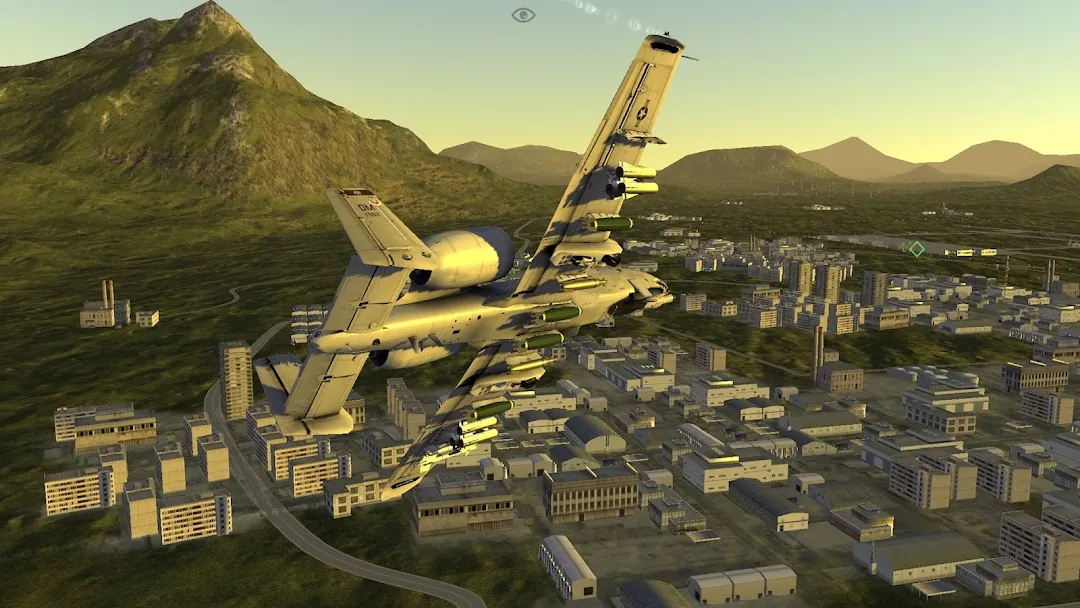
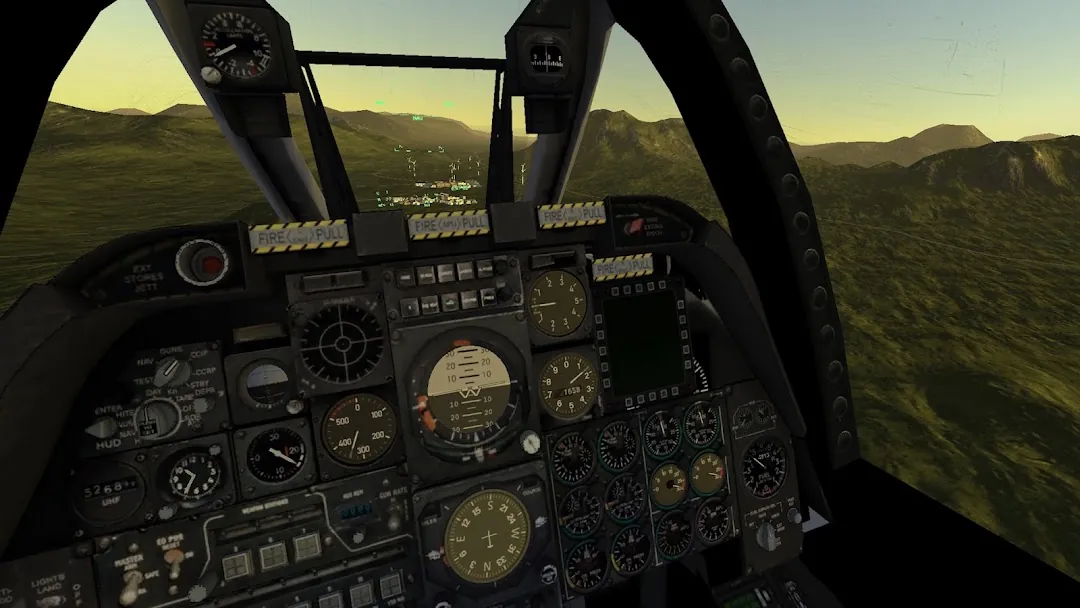
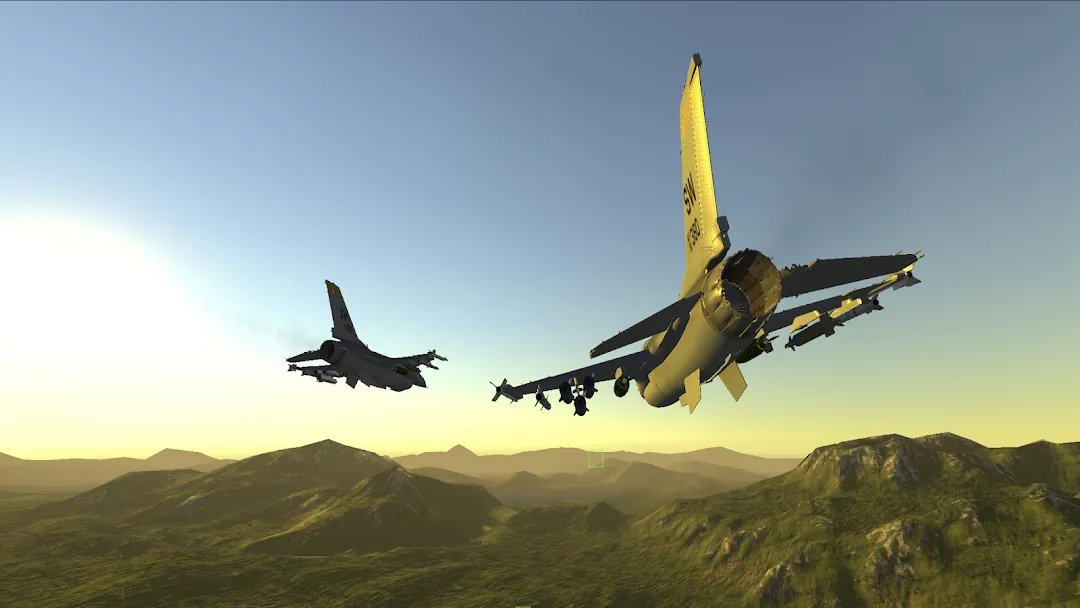
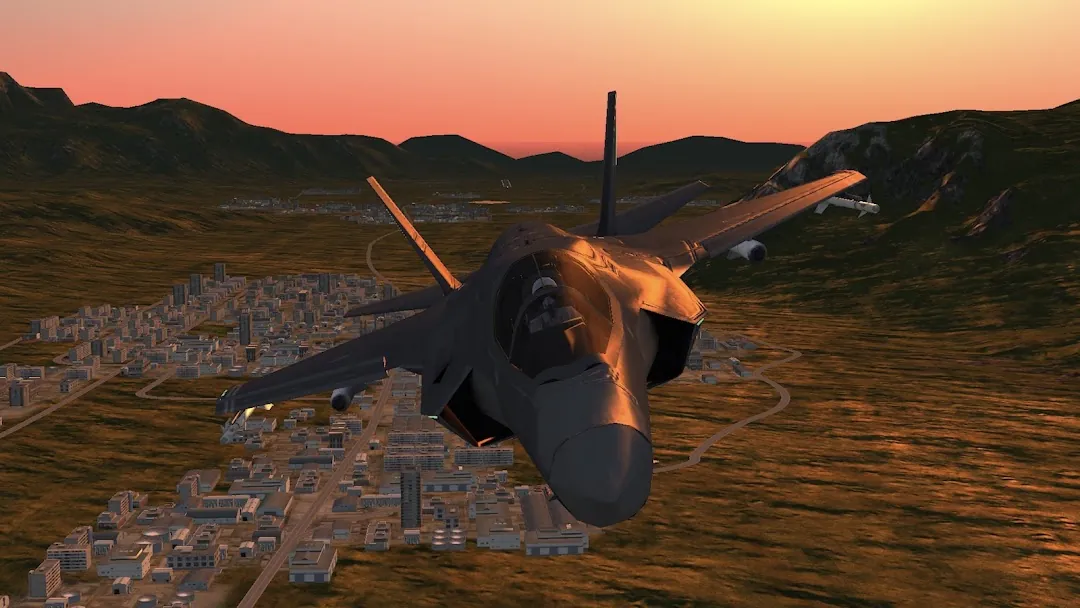
The Armed Air Forces MOD APK provides an enhanced experience for fans of high-fidelity flight simulation on mobile devices. This modification allows players to experience the full breadth of the game’s aeronautical content without the restrictions imposed by in-app purchases. By utilizing this version, pilots can take command of the most advanced fighters and historic aircraft immediately upon installation.
What This MOD Changes
This modification focuses on unlocking the premium content within the game’s hangar. The specific changes included in the Armed Air Forces MOD APK are as follows:
- Airplanes sold for real money in the game are unlocked. This grants the player full access to the premium fleet, which typically requires individual purchases to fly.
- All specialized aircraft, ranging from modern stealth fighters to legendary World War 2 planes, are available for selection in both the mission generator and various combat scenarios.
- The modification removes the paywall for specific high-performance models, allowing users to test the unique flight mechanics and functional 3D cockpits of every plane in the library.
Version and Compatibility
The following technical details have been verified directly from the provided APK file to ensure accuracy regarding installation requirements:
- Package name: com.armedairforces.armedairforces
- Version inside the APK: 1.0666 (build 56)
- Minimum Android version: 8.0 (API 26)
- File size: 967 MB
- File name: Armed-Air-Forces-v1.0666-MOD-thinkkers.com.apk
- Package type: single APK (no additional OBB or data files are required)
It is important to note that this file is a re-signed package. Because the digital signature has been modified to enable the unlocked features, it is not compatible with the version found on the official Google Play Store. You cannot install this version as an update over the original app; it must be installed as a separate, fresh instance.
How to Install
To ensure the Armed Air Forces MOD APK functions correctly on your device, follow these specific installation steps:
- Locate any official or previous version of Armed Air Forces currently installed on your device and uninstall it. This is necessary because of the signature mismatch between different versions.
- Open your device settings and navigate to the security or apps section to enable the installation of applications from “Unknown Sources.”
- Locate the downloaded Armed-Air-Forces-v1.0666-MOD-thinkkers.com.apk file using a file manager.
- Tap the file to begin the installation. Because the file is approximately 967 MB, ensure you have sufficient storage space available before starting.
- Once the installation is complete, launch the game and navigate to the aircraft selection menu to confirm that all premium planes are available for use.
How This Compares to the Original Release
This modified version is built upon the standard 1.0666 release of the app. The primary difference between this and the original release lies in the accessibility of the aircraft roster. In the standard version of the game, while several base planes are provided, many of the most sought-after jets and historical aircraft are locked behind real-money transactions. This MOD bypasses those transaction requirements. Aside from the unlocked content, the core gameplay, mission generator, and simulation physics remain identical to the developer’s original vision, ensuring the intended flight experience is preserved.
About Armed Air Forces
Armed Air Forces is a high-performance combat flight simulator designed to bring PC-level intensity to the mobile platform. It focuses on delivering a real-time aerial warfare experience that emphasizes immersion and technical detail. For players who enjoy the complexity of modern avionics and the raw power of jet engines, the game provides a sophisticated environment where physics and pilot skill are the most important factors for success.
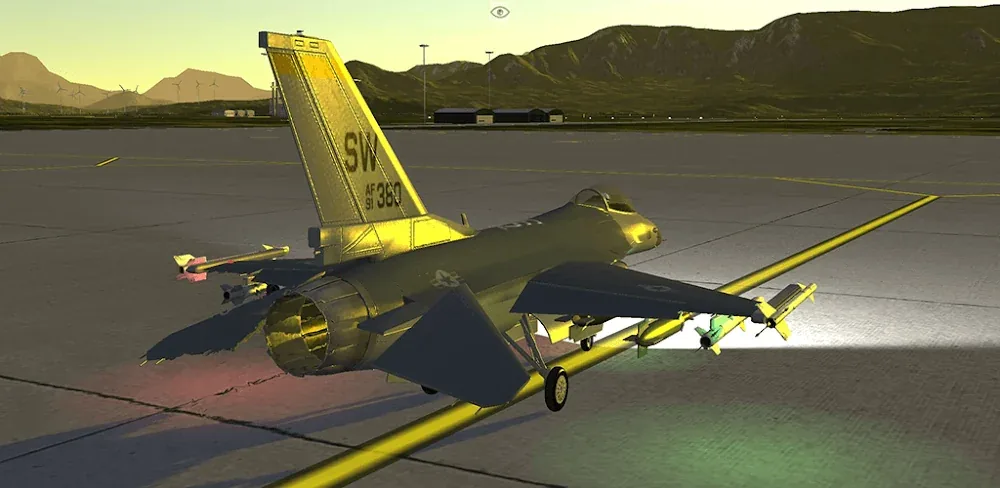
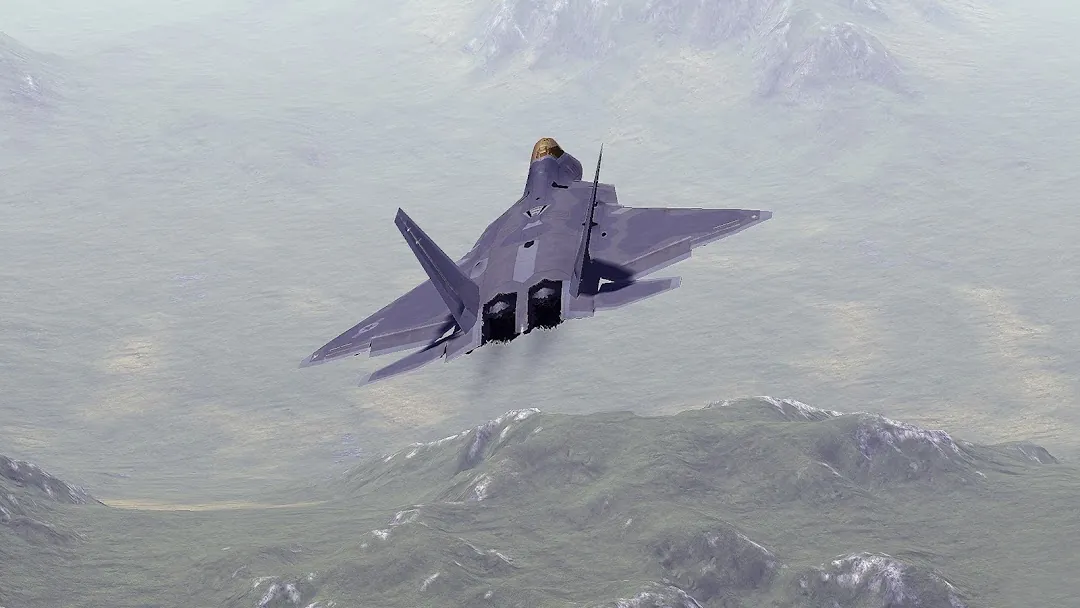
One of the defining characteristics of the experience is the diversity of the aircraft available. The game spans several eras of aviation history, allowing players to jump between the controls of cutting-edge modern jet fighters and storied aircraft from World War 2. Modern aviation enthusiasts can pilot the F-22 Raptor, a pinnacle of stealth and maneuverability, or the F-35 Lightning II, known for its advanced multi-role capabilities. Other modern options include the versatile F-16C, the rugged A-10C Warthog designed for ground-attack missions, and the Mirage 2000C. For those who prefer vertical take-off and landing mechanics, the AV-8B Harrier II is included, providing a unique challenge in flight control. The roster is further rounded out by the Super Tucano and the legendary BF-109 Messerschmitt, representing the classic era of dogfighting.
The developers have gone to great lengths to ensure that each aircraft feels distinct. Every plane features a fully functional 3D cockpit. These are not merely decorative; they include operable instrumentation and heads-up displays (HUD) or multi-function displays (MFD) that provide real-time flight data. The attention to detail extends to the physics engine, where each aircraft has its own aerofoil properties, mechanical limits, and distinctive flight dynamics. This means that moving from an F-16C to an A-10C requires a significant adjustment in how the pilot handles speed, turn rates, and weapon deployment.
Weaponry in the game is modeled after real-world armaments, ensuring that air-to-ground and air-to-air engagements feel authentic. Whether you are engaging in high-speed dogfights with enemy interceptors or performing precision strikes on ground targets, the weaponry behaves according to realistic ballistics and guidance parameters.
To keep the gameplay fresh, the app features a quick and easy mission generator. This tool is designed for players who want to jump straight into the action without navigating complex menus. The generator allows for the creation of customized air-to-ground missions or immediate dogfight scenarios. This flexibility means that whether you have five minutes or an hour, you can construct a scenario that matches your desired level of intensity. The ability to structure tasks and define AI behavior makes the mission creator a core component of the game’s longevity.
The simulation is built for total immersion. By combining detailed 3D environments with meticulously modeled planes, the game recreates the adrenaline-pumping atmosphere of a real combat zone. The focus is on the pilot’s seat, placing the user directly into the action with controls that are accessible enough for mobile play but deep enough to satisfy seasoned simulation fans. It is a game designed for those who appreciate the technical side of military aviation, offering a portable alternative to heavy-duty PC flight simulators while maintaining a high standard for visual and mechanical fidelity.
FAQ
What does Armed Air Forces MOD APK unlock?
This Armed Air Forces 1.0667 build has the following modified: Unlocked Plane. Everything else functions just like the Flight Sim Studio release, and changes are active immediately after installation.
What is the latest version of Armed Air Forces MOD APK?
Version 1.0667 matches the Flight Sim Studio release, last updated on November 26, 2026. We don’t keep older versions here. Update by installing this file from this page over your current app. If Android reports a signature conflict, uninstall the old build first.
Is Armed Air Forces MOD APK safe to download?
This Armed Air Forces 1.0667 file on Thinkkers is Flight Sim Studio’s original app with only Unlocked Plane modified. 66 users gave it a 3.7 rating out of 5 here. A Play Protect warning is expected during install; always download from this page.
Can I use Armed Air Forces MOD APK on PC or iPhone?
This Android package won’t install on iPhone or iPad. To run the 594M APK on Windows or macOS, install an emulator like BlueStacks or LDPlayer, then drag the file in.