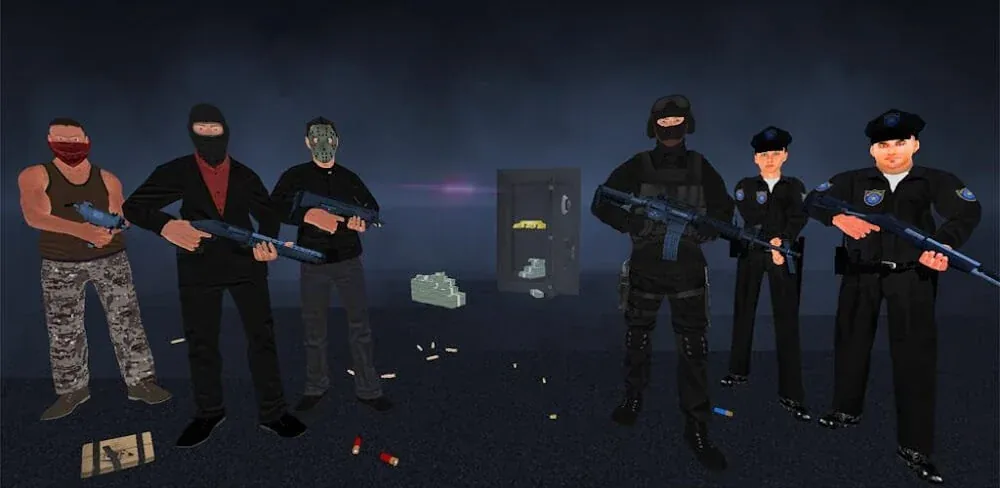

Justice Rivals 3 v1.203 MOD APK (Unlimited Money)
Updated on November 26, 2026App Info
| App Name | Justice Rivals 3 |
|---|---|
| Publisher | RuNix Games |
| Genre | Action |
| Size | 117M |
| Version | 1.203 |
| MOD Info | Unlimited Money |
| Get it On |

|
| Requires | android Android 5.1 |
Screenshots


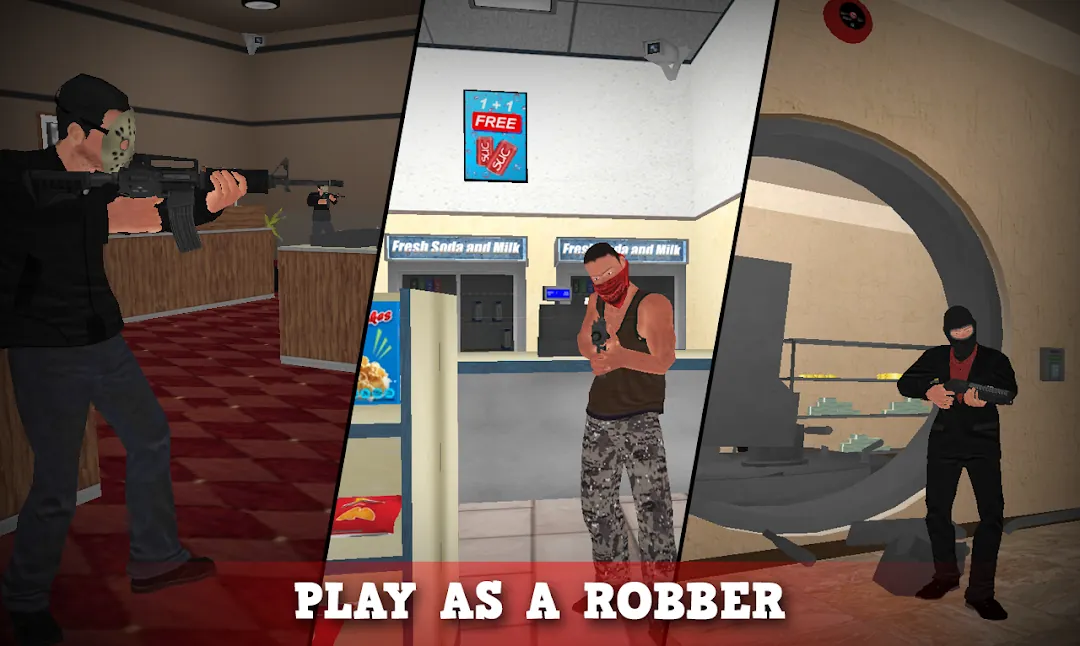

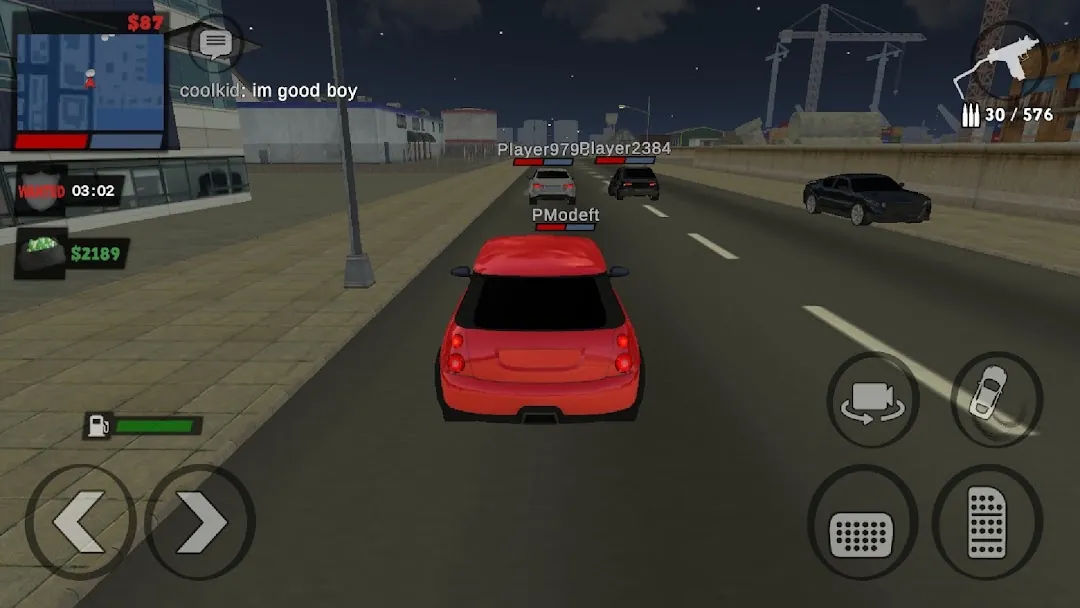
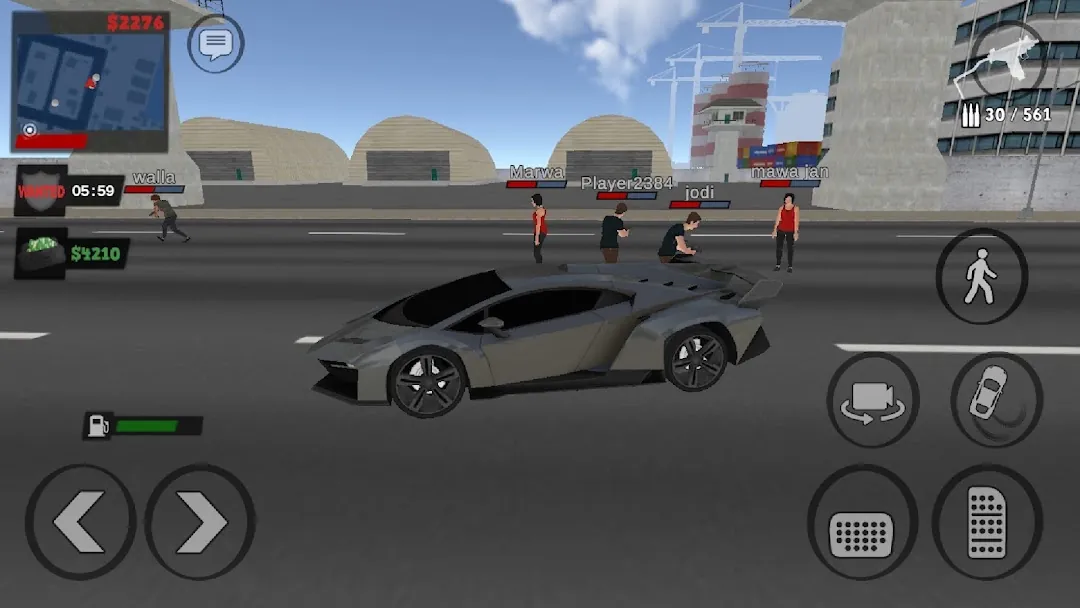
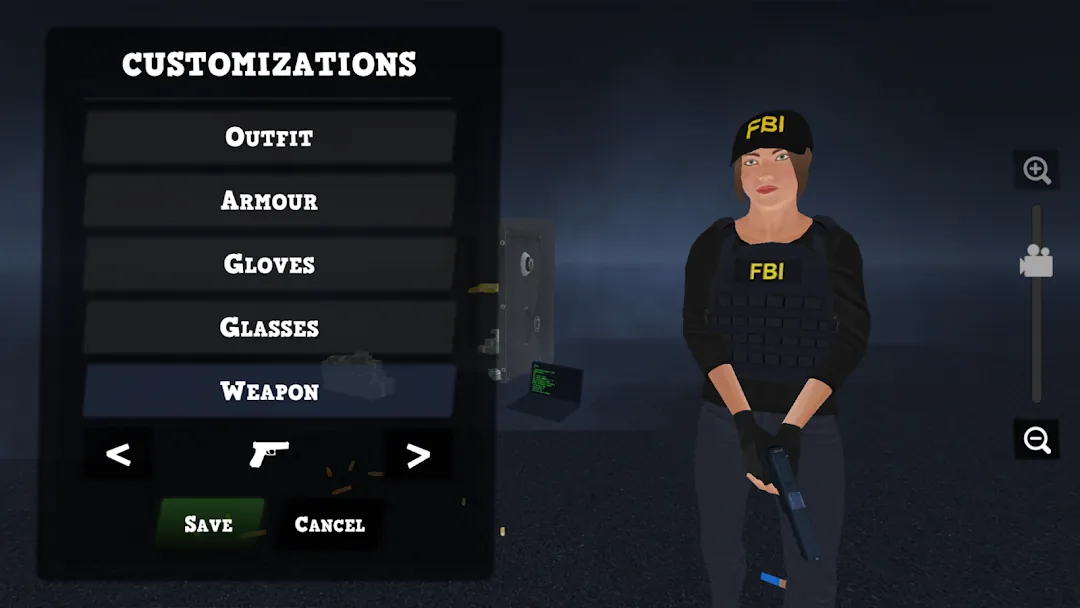
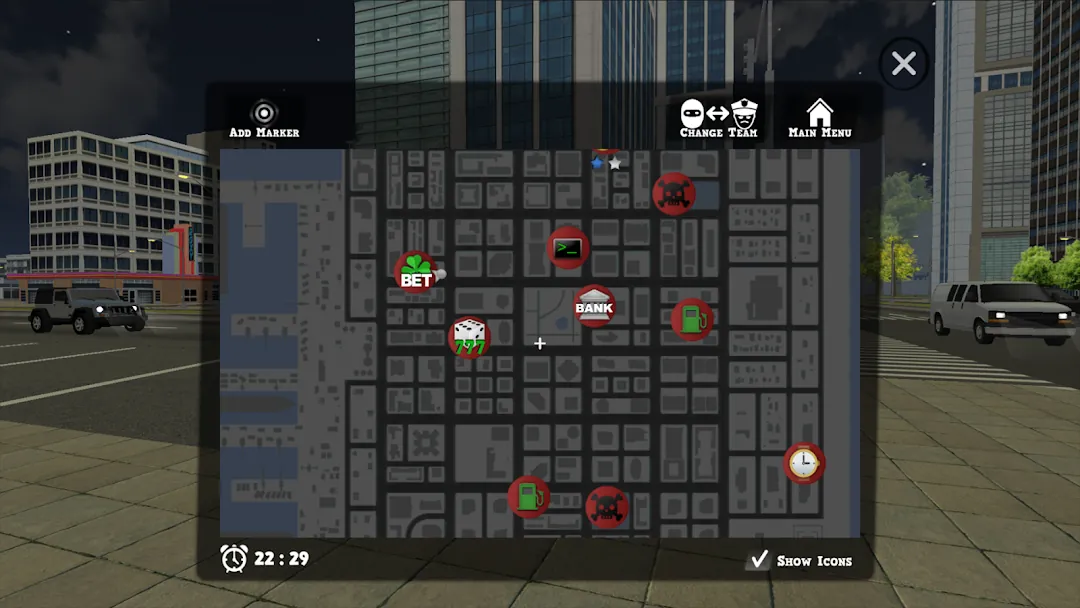
Justice Rivals 3 MOD APK offers a modified version of the popular team-based action game, specifically designed to bypass the standard economic progression. By utilizing this version, players can access various in-game resources without the constraints of the original title’s currency system.
What This MOD Changes
The primary feature of the Justice Rivals 3 MOD APK is the inclusion of Unlimited Money. In the standard version of the game, players must complete various missions and succeed in team-based challenges to earn funds for equipment, weapons, and vehicles. With this modification, the player’s currency balance is set to a maximum or non-depleting state.
This change allows for the immediate acquisition of high-tier gear and tactical tools from the in-game shop. Because the money is unlimited, there is no need to prioritize specific purchases; you can obtain all necessary items for both the police and robber factions simultaneously. This removes the necessity of repetitive mission grinding to afford the best strategic equipment.
Version and Compatibility
This file is a single APK package and does not require additional OBB or data folders for installation. It is built for devices running Android 6.0 (API 23) or higher. Below are the specific technical details verified from the package:
- Package Name: com.RuNixGames.CopsAndRobbers3
- Internal Version: 1.202f (build 215)
- File Version Name: v1.203
- File Size: 182 MB
- Minimum Android: 6.0 (Marshmallow)
Please note that this file is re-signed with a private certificate. Because the digital signature differs from the version available on the Google Play Store, it is not possible to install this mod as an update to the official app. Any existing version of the game must be completely removed before this file can be installed.
How to Install
To install the Justice Rivals 3 MOD APK, follow these specific steps to ensure the file is handled correctly by your device:
-
Locate any official version of Justice Rivals 3 currently installed on your device and uninstall it. The mod will not install if the official version is present due to signature conflicts.
-
Navigate to your device settings and enable the option to install applications from unknown sources. This is typically found under the Security or Privacy menus.
-
Download the Justice Rivals 3 MOD APK file to your internal storage.
-
Use a file manager to locate the downloaded APK and tap it to begin the installation process.
-
Once the installation is complete, launch the game. The unlimited money features will be active within the game economy automatically.
How This Compares to the Original Release
This mod is based on internal version 1.202f (marketed as v1.203). The core gameplay mechanics, maps, and mission structures remain identical to the original release. The fundamental difference lies in the financial system. In the original game, player progression is tied to performance and successful mission completion, which dictates how quickly you can upgrade your character or your team’s arsenal.
In this modified version, the economic barrier is removed. While the original release focuses on the challenge of resource management, this version allows players to focus entirely on tactical execution and strategic planning without worrying about the cost of tools or failures that would otherwise set back their currency earnings.
About Justice Rivals 3
Justice Rivals 3 is an action-driven title that places heavy emphasis on team-based dynamics and the classic conflict between law enforcement and criminal elements. It is designed for players who enjoy tactical planning and cooperative play within a 3D environment. The game distinguishes itself by offering a dual-perspective system, where the experience changes fundamentally depending on which side of the law the player chooses to represent. This choice is not merely cosmetic; it dictates the objectives, the tools available, and the overall strategy required to succeed.
When playing as the police, the game focuses on containment and response. Players must work together to anticipate the moves of the criminal team, using strategic positioning to intercept robberies and maintain public order. This perspective rewards players who can communicate effectively and use the specialized equipment of the police force to neutralize threats. The goal is to act as a cohesive unit that can react to the unpredictable nature of criminal activity.
Conversely, taking on the role of the robbers transforms the game into an experience centered on planning and initiative. Robbers are tasked with executing specific objectives, which often involve high-risk scenarios and quick escapes. This perspective encourages a more aggressive and proactive style of play, where the team must coordinate their movements to bypass police perimeters and complete their missions before law enforcement can mount a successful defense.
One of the standout features of the game is its versatile mission structure. Rather than offering a linear progression, the game provides a variety of challenges and missions that require different approaches. This variety ensures that players are constantly presented with new scenarios that test their ability to adapt. The mission design encourages replayability because the same environment can be approached in multiple ways depending on the team’s composition and chosen strategy.
Strategic depth is further enhanced by the team-based operating mechanisms. The game is built to discourage lone-wolf behavior, instead favoring players who can cooperate to achieve a common goal. This might involve one player providing cover fire while another moves to an objective, or a coordinated effort to surround an enemy position. The implementation of these mechanisms creates a gameplay loop where planning is just as important as reflexes. Players who take the time to develop a good strategy and work with their teammates will find themselves overcoming challenges much more effectively than those who do not.
The game also places a high value on immersion. Whether you are navigating the city as a terrifying robber or pursuing a target as a dedicated policeman, the dual perspectives offer a unique look at the mechanics of a heist or a sting operation. The objectives for each team are slightly different, which adds to the variety and keeps the gameplay from feeling repetitive. By immersing themselves in these specific roles, players can experience the quintessential attraction of a team-based tactical game.
Overall, the experience is built around the excitement of the chase and the satisfaction of a well-executed plan. The strategic planning required for each mission, combined with the cooperation of a full team, provides a depth that appeals to fans of the action genre. The game encourages players to develop their own styles and mechanisms for handling the various challenges they face, leading to unexpected outcomes and breathtaking details in every session.
FAQ
Does Justice Rivals 3 MOD APK give unlimited money?
This Justice Rivals 3 (1.203) build features Unlimited Money. It behaves like the RuNix Games release, and modifications are active once you install it.
What is the latest version of Justice Rivals 3 MOD APK?
Version 1.203 matches the RuNix Games update from November 26, 2026. We don’t keep older versions here. Update by installing this over your current app; if a signature conflict occurs, uninstall the previous build first.
Is Justice Rivals 3 MOD APK safe to download?
This Justice Rivals 3 1.203 APK is the RuNix Games app with Unlimited Money. 33 users rated it 3.9. Expect a Play Protect warning during installation, and always download from this page.
Can I use Justice Rivals 3 MOD APK on PC or iPhone?
This Android package does not work on iPhone. You can run the 117M APK on a PC using BlueStacks or LDPlayer by installing the emulator and dragging the file in.