
Braindom: Brain Games Test v2.8.2 MOD APK (Free Rewards)
Updated on November 17, 2026App Info
| App Name | Braindom: Brain Games Test |
|---|---|
| Publisher | Matchingham Games expand_more |
| Genre | Word |
| Size | 172M |
| Version | 2.8.2 |
| MOD Info | Free Rewards |
| Get it On |

|
| Requires | android Android 5.1 |
Screenshots

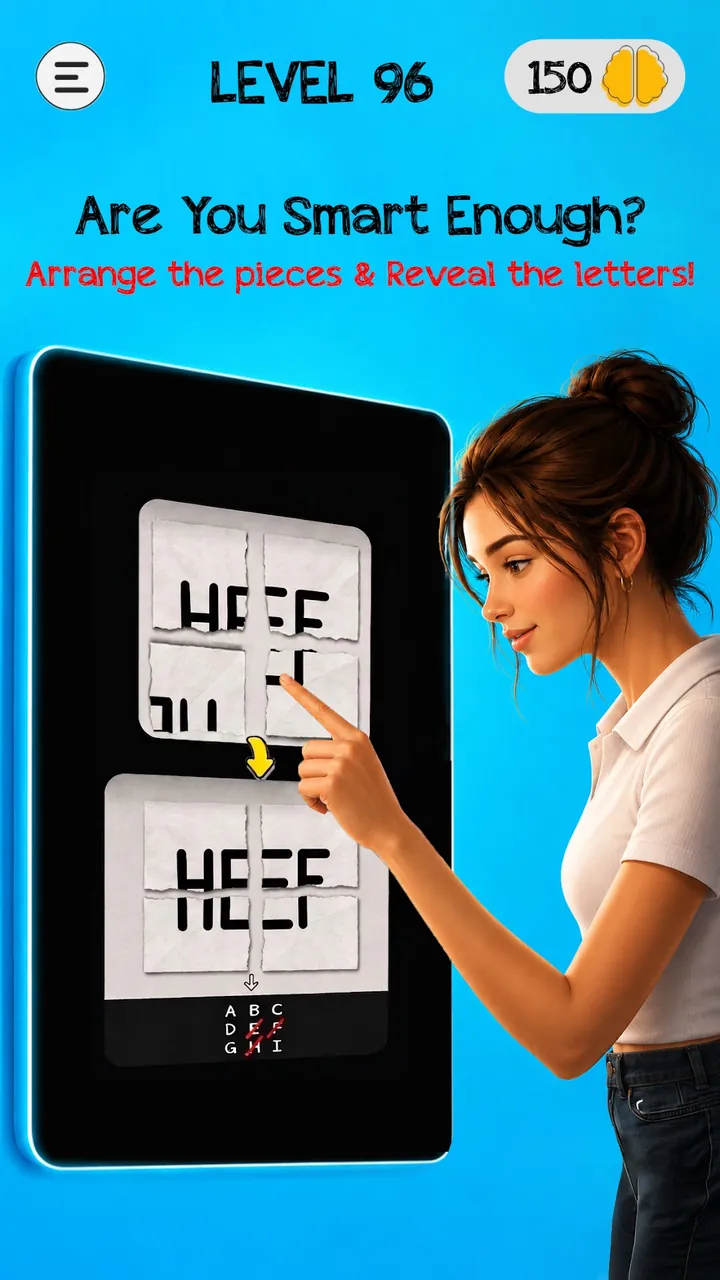
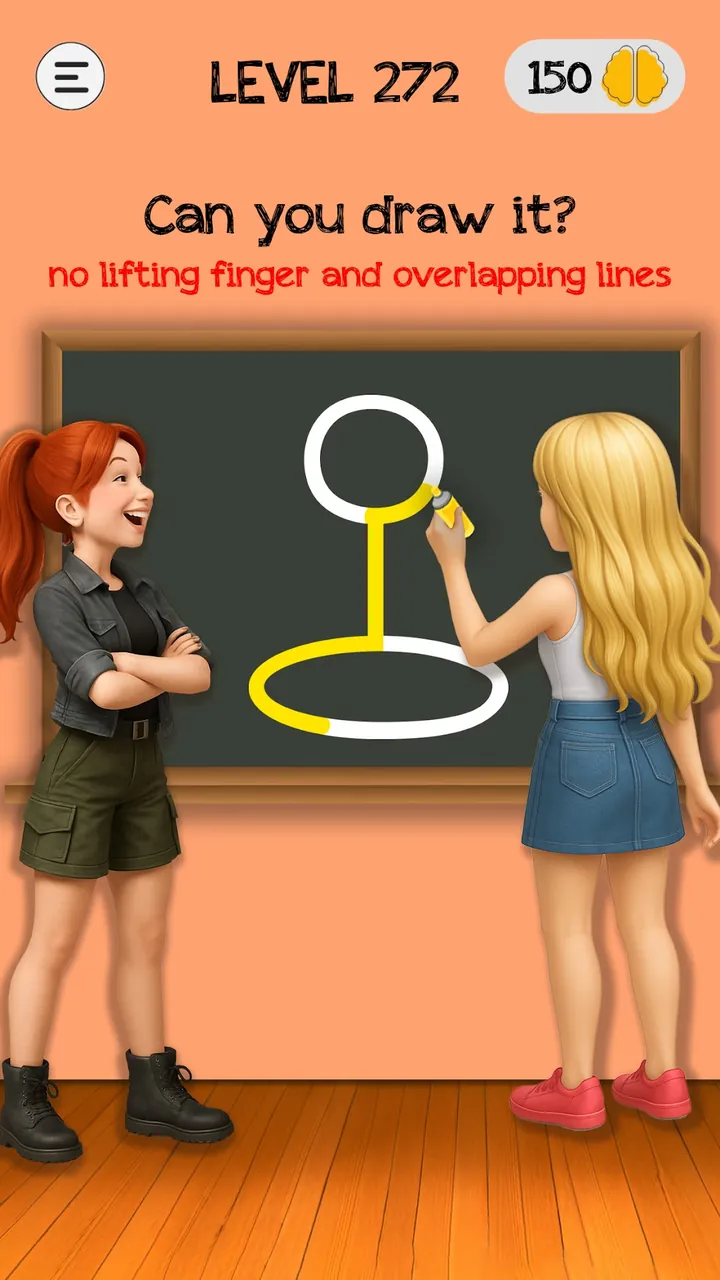
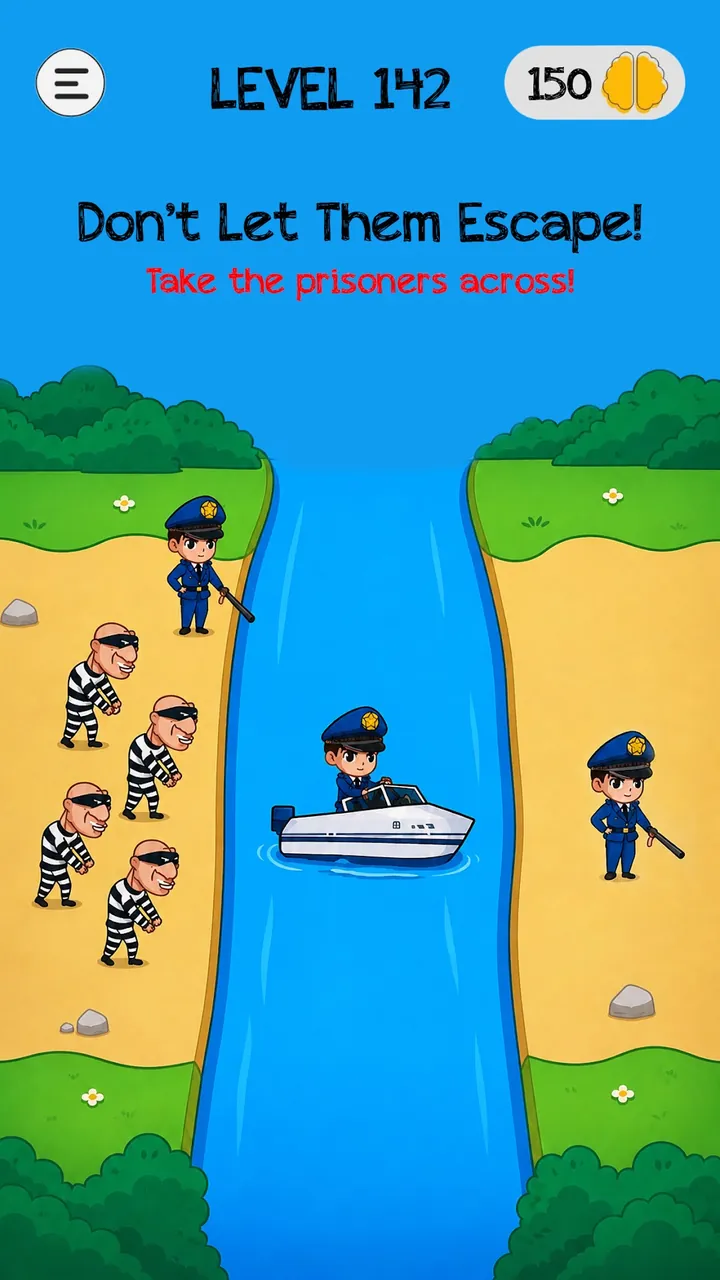
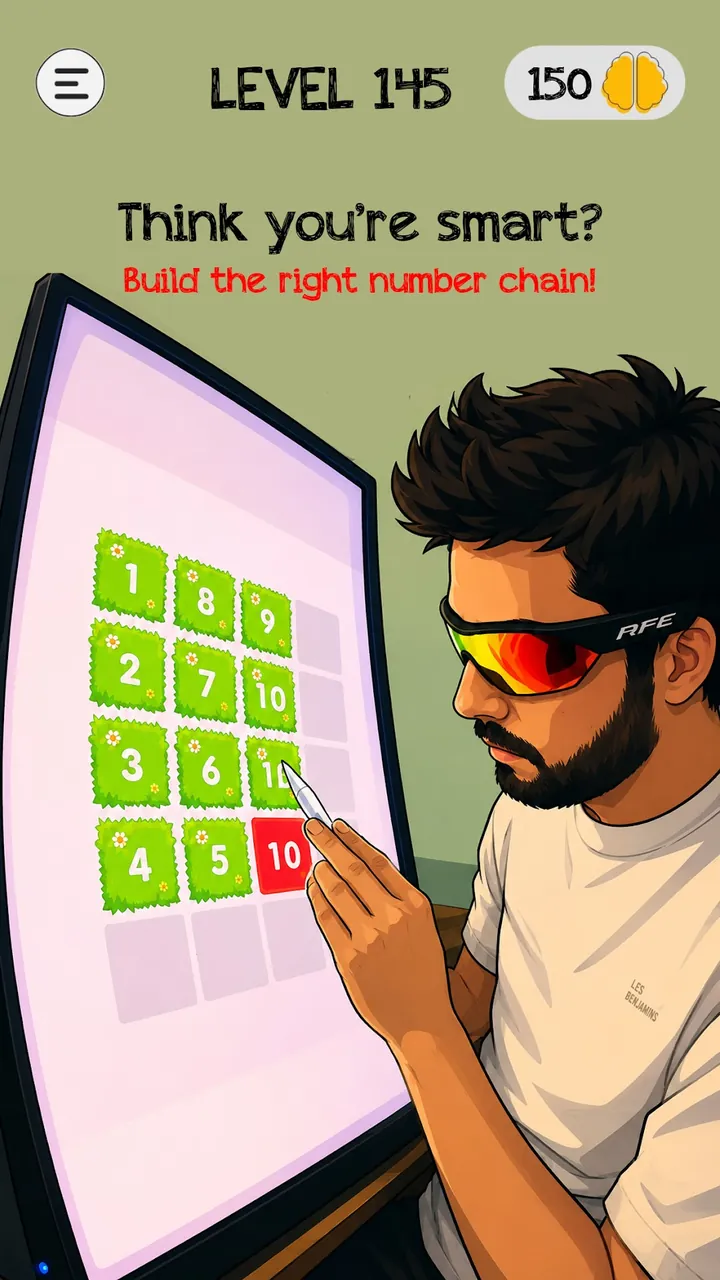
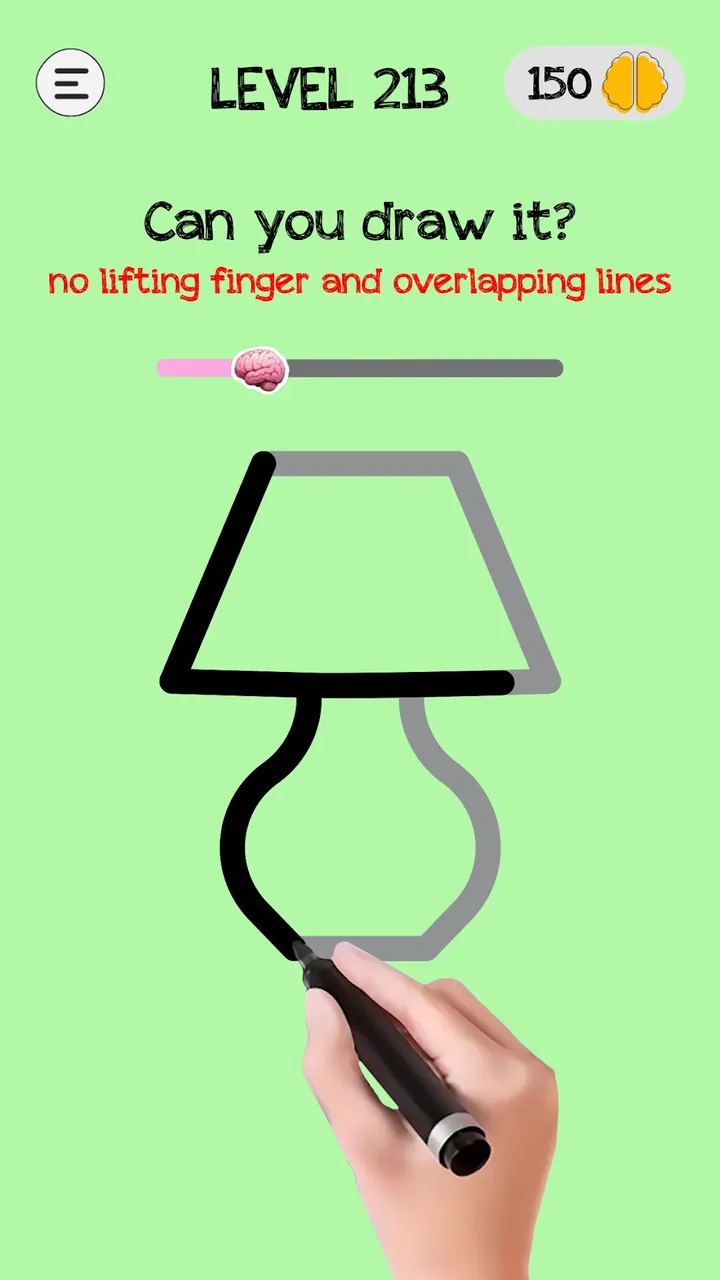
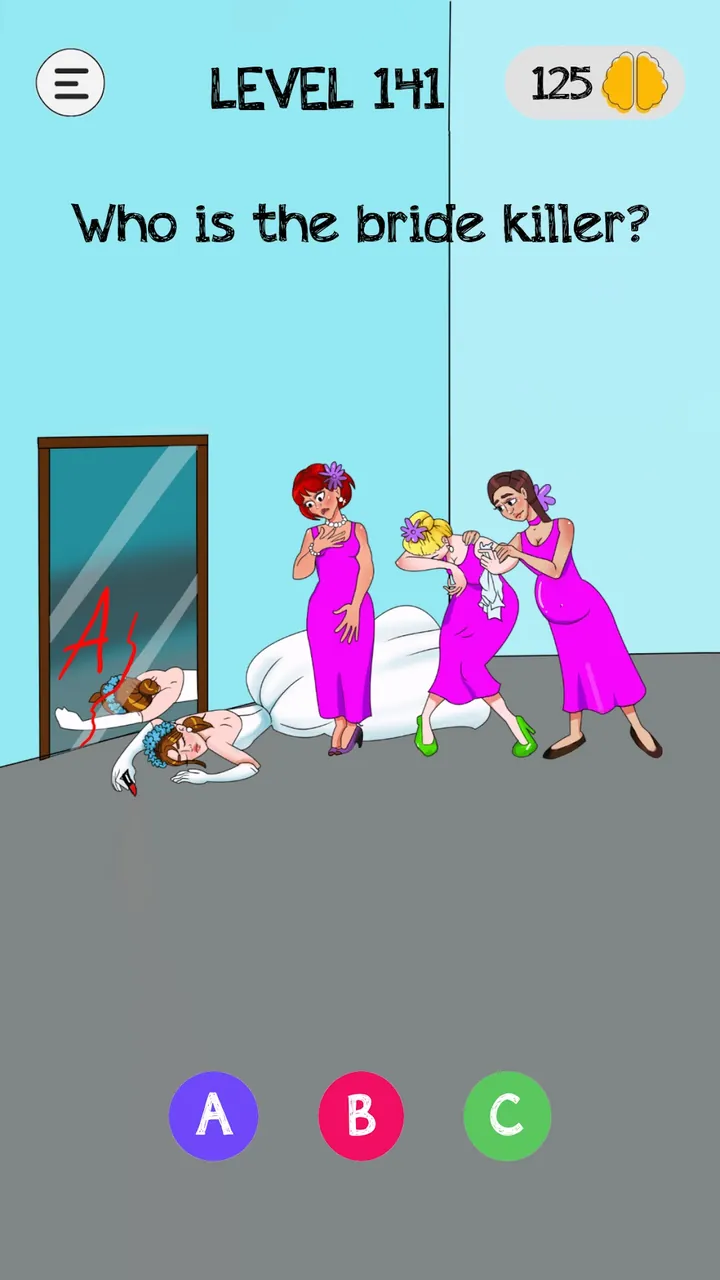
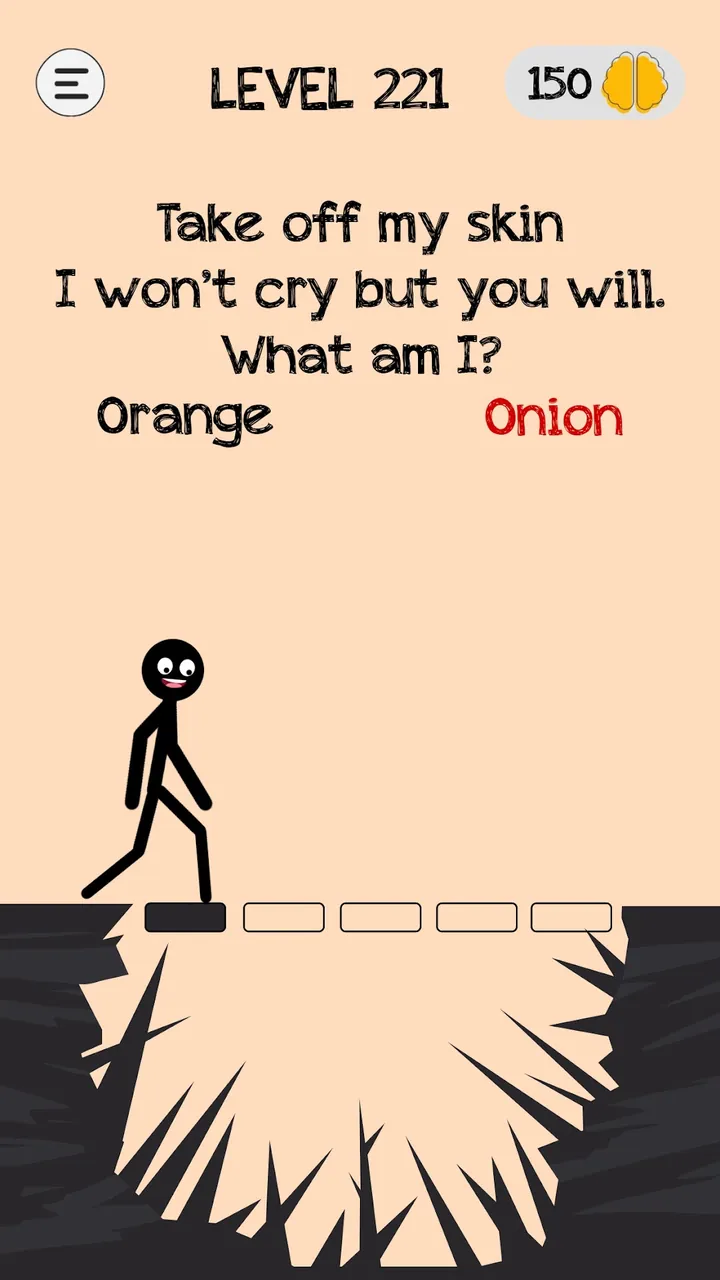
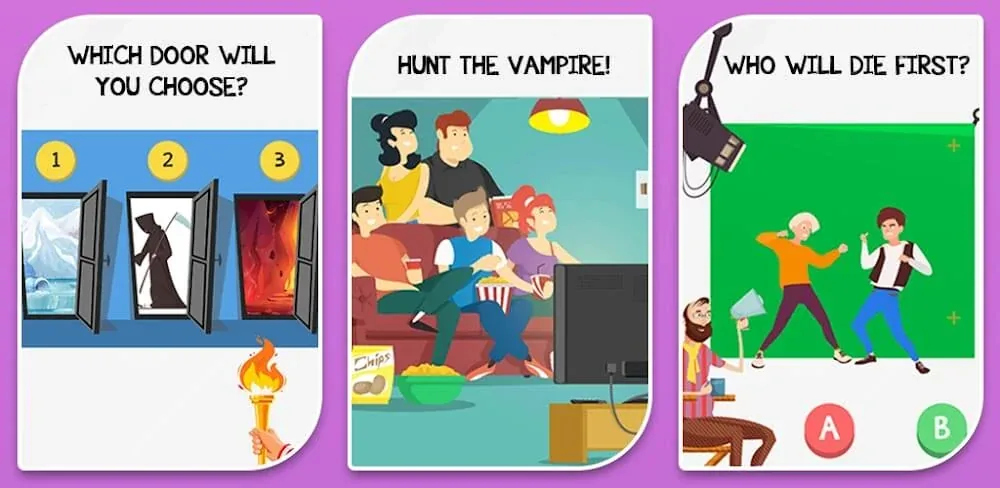
The Braindom: Brain Games Test MOD APK provides a modified way to engage with one of the most popular puzzle and logic collections on mobile. This version is designed for players who want to navigate the game’s various challenges with the specific benefit of modified reward systems not present in the standard release.
What This MOD Changes
This modification focuses on the acquisition of in-game resources through a Free Rewards system. In the standard version of the game, players typically have to complete specific tasks or meet certain requirements to earn the bonuses and items needed to progress through difficult stages.
- The MOD implements a Free Rewards feature that simplifies how players acquire these bonuses.
- Players can access the benefits of the reward system without following the traditional constraints of the official build.
Version and Compatibility
The Braindom: Brain Games Test MOD APK is based on the following technical specifications verified from the file source:
- Package name: com.braindom
- Version: 2.2.7 (build 160)
- Minimum Android version: 7.0 (API 24)
- File size: 158 MB
- Package type: Single APK
Please note that this file is a re-signed version of the original application. Because the digital signatures differ from those used by the original developer, this MOD cannot be installed as an update over an existing installation from the Google Play Store. You must ensure the original app is removed before attempting to install this package.
How to Install
Follow these steps to install the Braindom: Brain Games Test MOD APK on your Android device:
- If you have the official version of Braindom installed from the Play Store, you must uninstall it completely to avoid signature conflicts.
- Open your device settings and navigate to the security or privacy section to enable the installation of applications from unknown sources.
- Locate the downloaded file (Braindom-Brain-Games-Test-v2.2.7-MOD-thinkkers.com.apk) using a file manager.
- Tap the APK file to begin the installation process.
- Once the installation is complete, launch the game from your app drawer.
How This Compares to the Original Release
This version is built directly on the 2.2.7 release of the original game, meaning it contains all the levels and topics available in that specific update. The primary difference lies in the reward architecture. While the original release requires players to earn coins and rewards through standard gameplay or other requirements, this MOD modifies that behavior to provide rewards freely. Outside of this specific change to the economy and reward system, the core logic puzzles and user interface remain identical to the v2.2.7 base.
About Braindom: Brain Games Test
Braindom: Brain Games Test is a fascinating collection of brain games and puzzles. This game challenges the players’ cognitive abilities by pushing them to the very edge of their limits. It is targeted at people who want to understand their brains and find out how well they can push their mental boundaries and how creative they can get when it comes to solving problems. This game uses a series of experiments to poke and challenge players’ mental boundaries and help them break through mental blocks, if they have any. This game is mainly rewarding for people who can find things quickly, as it is mostly a game of answering things as quickly as possible to give the correct answers to more advanced and complicated puzzles.
Although this game challenges the players’ cognitive abilities from the very first game, it is not meant to be difficult from the start. Starting things off with difficult challenges may confuse players and complicate their first impressions of the game. The first few challenges of the game help the players understand the game’s mechanics, rhythms and how the developers want the players to think. As the players complete these simple challenges they get a hang of the game’s style and logic and this gives them an upper hand when they encounter difficult tasks and puzzles later on.
One of the key ideas behind the game is that the first step to coming up with a comprehensive answer is often hidden in the wording or in the visual clues of the question. Though it sometimes requires an element of guesswork, the key to success in the game is to find the subtle clues that redirect a player towards the correct solution. As a reward for completing levels, players are given coins. These coins are the game’s main currency, and allow players to proceed past more challenging portions of the game.
One of the key strengths of this particular title in the Word and Puzzle category is the breadth of its topics. The levels of the game are not limited to simple and ordinary questions. Rather, the game often places players in difficult and challenging situations. A large number of the mini games are designed to inspire and stimulate a player’s creativity.
FAQ
What does Braindom: Brain Games Test MOD APK unlock?
This 2.8.2 version of Braindom: Brain Games Test provides Free Rewards. It functions like the Matchingham Games release, except for these changes which take effect immediately after installation.
What is the latest version of Braindom: Brain Games Test MOD APK?
The 2.8.2 version matches the Matchingham Games update from November 17, 2026. We don’t keep older versions here. Update by installing this file over your current app. If a signature conflict occurs, you should uninstall the previous version first.
Is Braindom: Brain Games Test MOD APK safe to download?
This 2.8.2 version of Braindom: Brain Games Test is the Matchingham Games app with Free Rewards added. You might see a Play Protect warning, so you should always download from this page.
Can I use Braindom: Brain Games Test MOD APK on PC or iPhone?
This Android file cannot run on iPhone. To use the 172M APK on a computer, install an emulator like BlueStacks or LDPlayer. Once set up, just drag the file into the emulator window to begin.