
Clear and Shoot v4.4.71 MOD APK (Menu, Removed everything ads)
Updated on November 13, 2026App Info
| App Name | Clear and Shoot |
|---|---|
| Publisher | Hyperlab Games |
| Genre | Simulation |
| Size | 222M |
| Version | 4.4.71 |
| MOD Info | Menu, Removed everything ads |
| Get it On |

|
| Requires | android Android 5.1 |
Screenshots
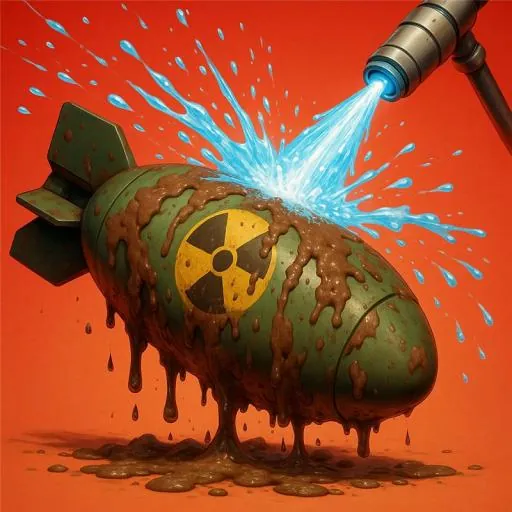
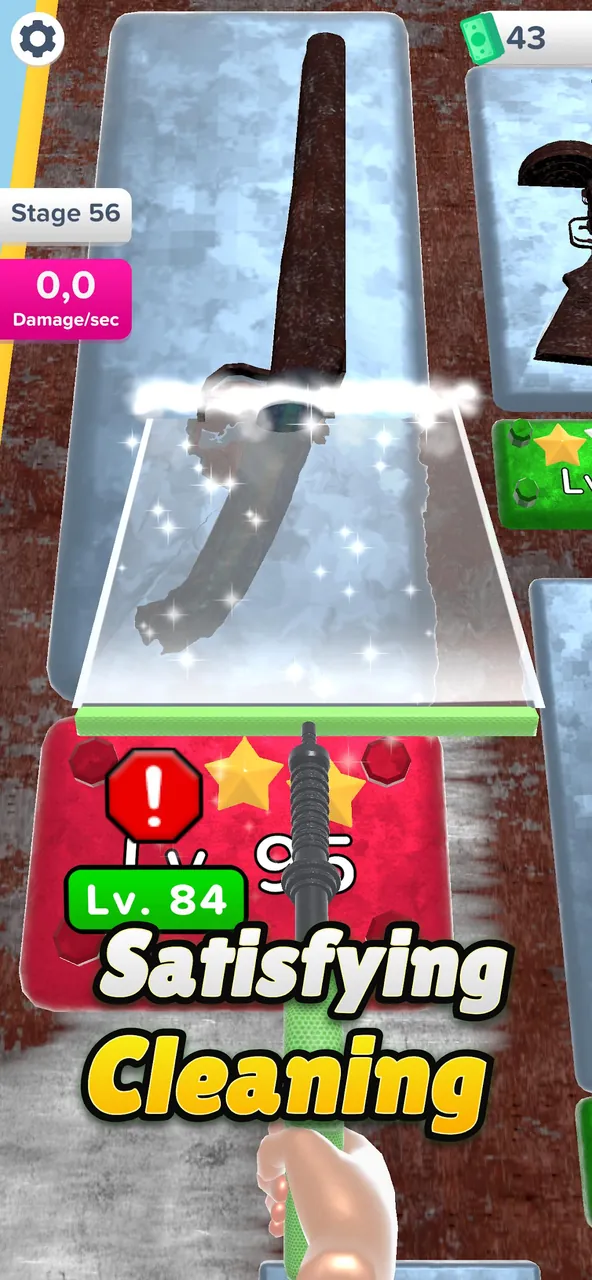
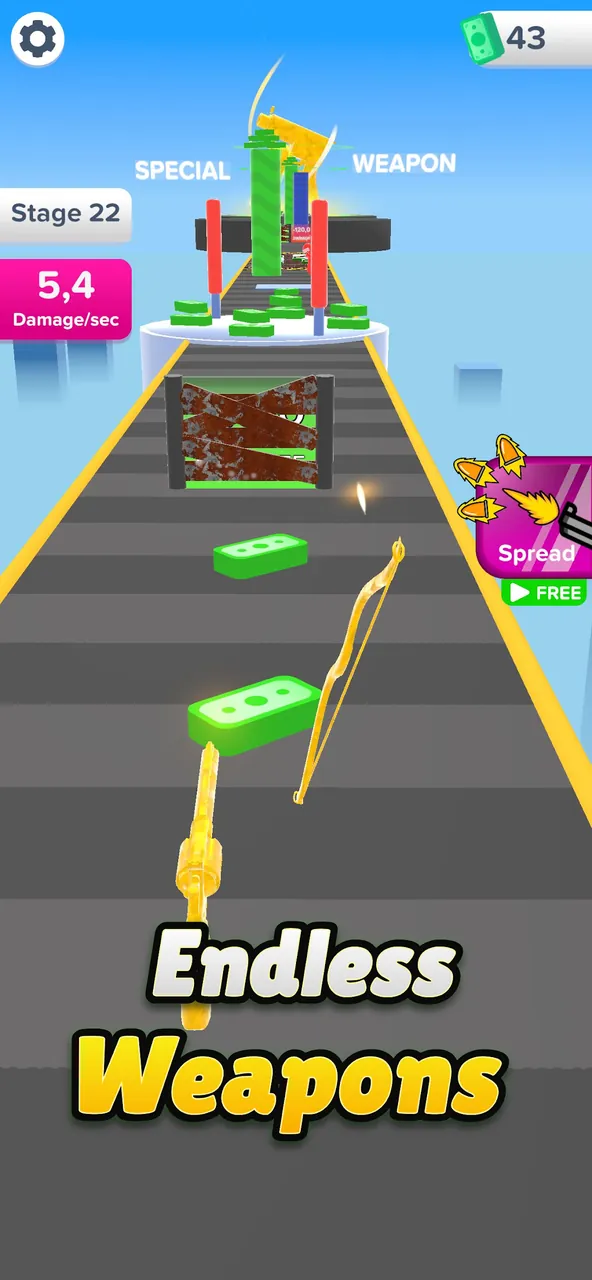
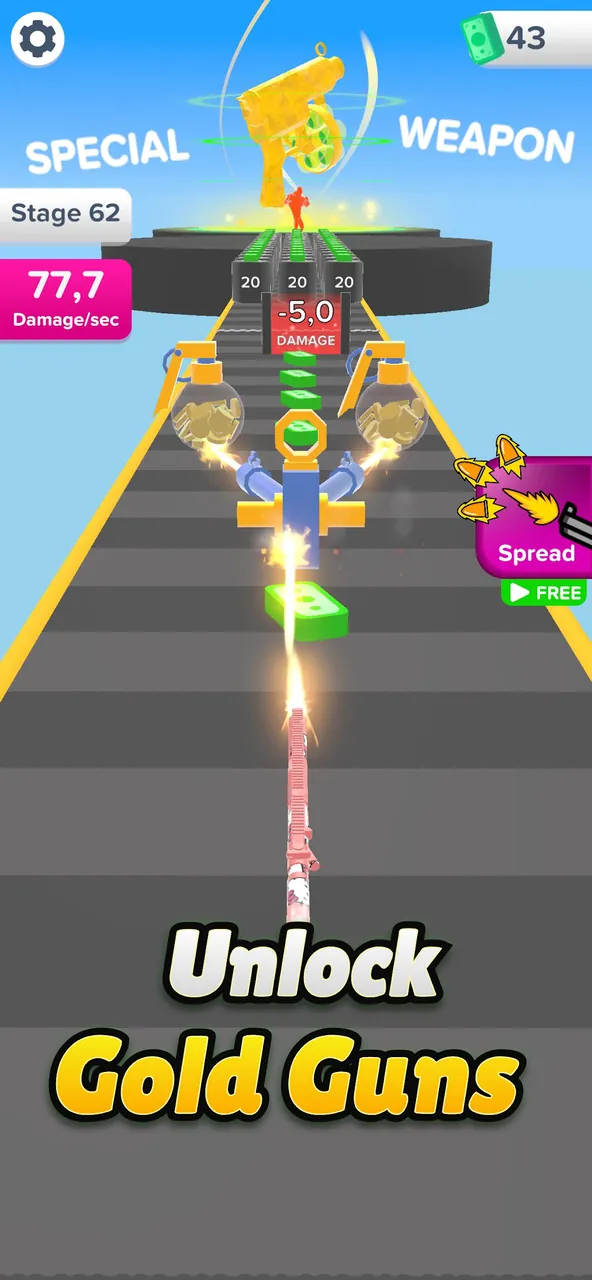
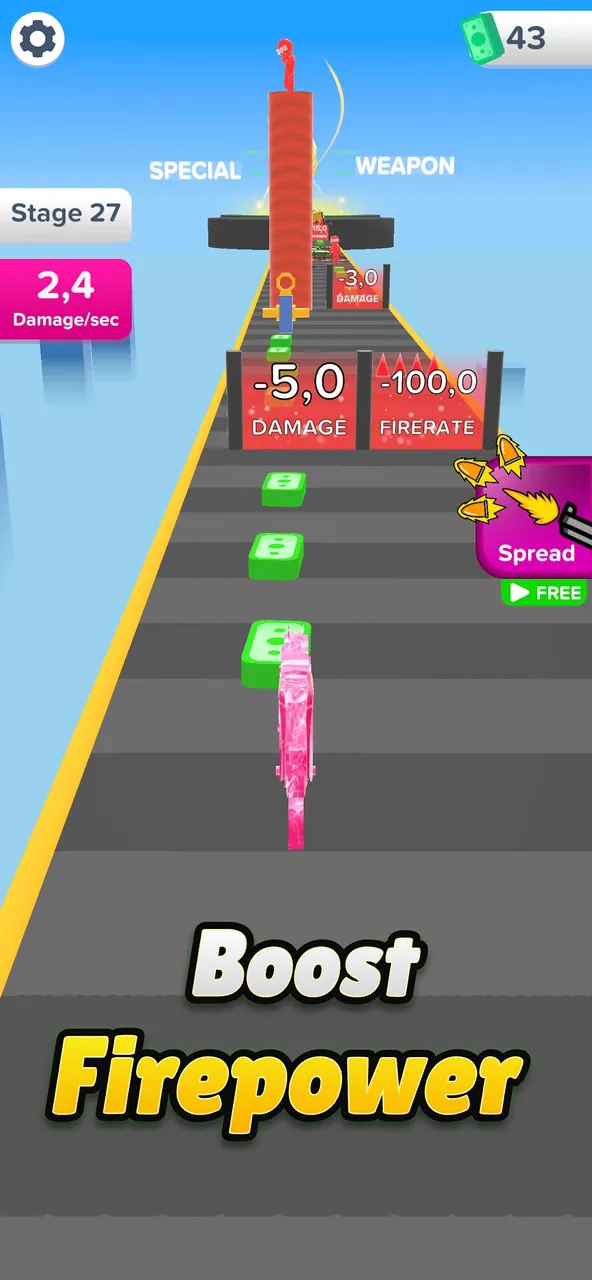
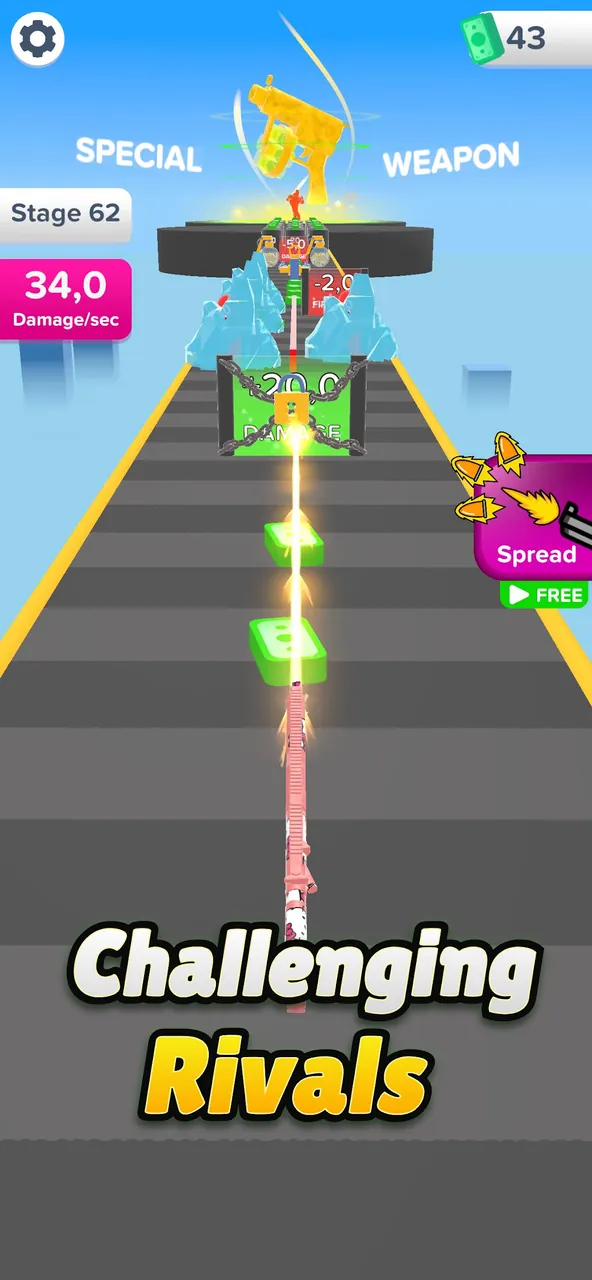
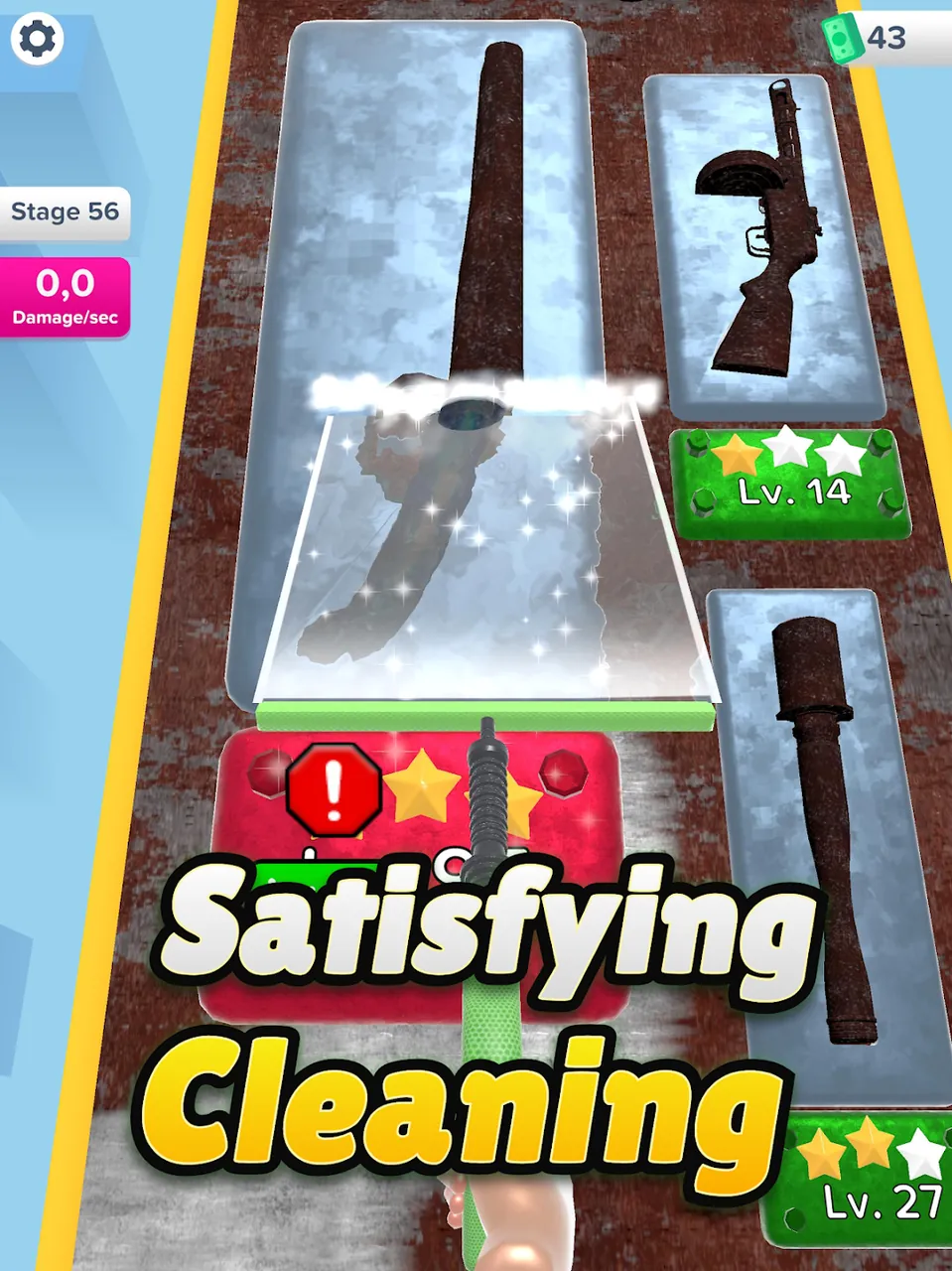
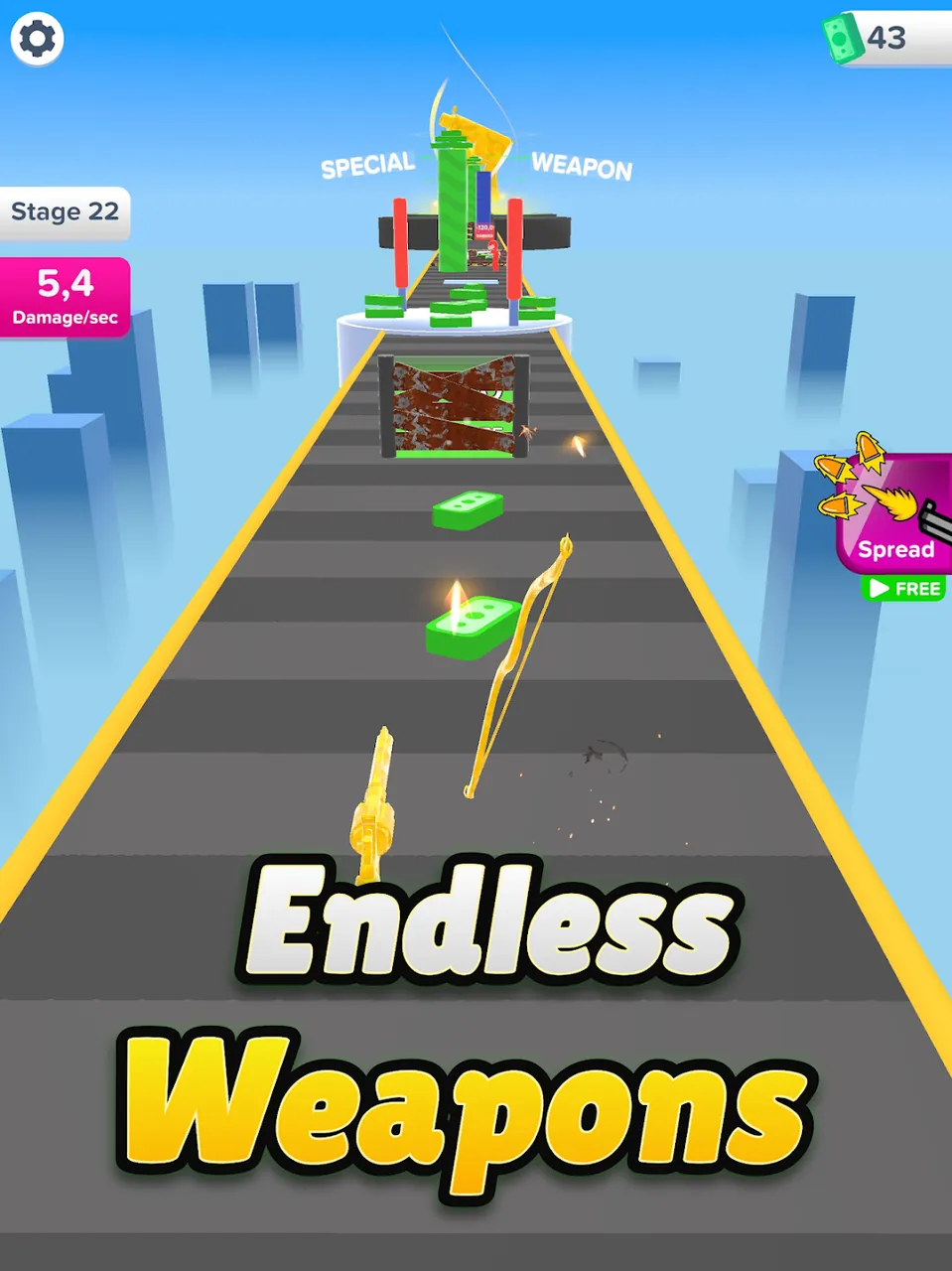
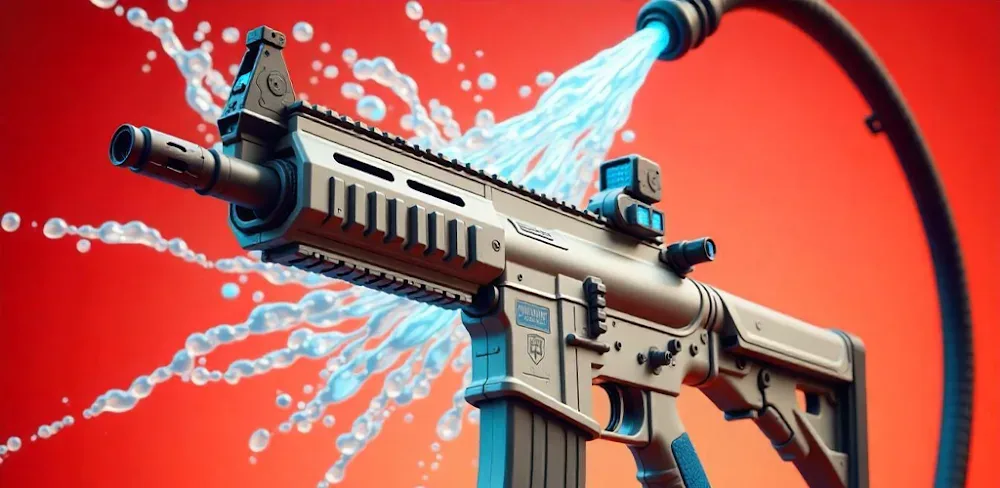
Clear and Shoot offers a unique combination of idle progression and satisfying restoration mechanics that keep players engaged for extended periods. By using the Clear and Shoot MOD APK, players can experience the core gameplay of cleaning and upgrading weaponry without the standard interruptions found in the official release, allowing for a more streamlined path from rusty junk to high-powered firearms.
What This MOD Changes
This version of the application has been modified to provide a more user-friendly experience by altering the monetization and interface elements of the game. The Clear and Shoot MOD APK includes the following features:
- Mod Menu: A specialized in-game menu has been added to the interface, allowing users to interact with the modification settings directly from within the application.
- Removed Everything Ads: All advertising content has been stripped from the game. This includes mandatory video ads that typically play between levels, as well as the optional advertisements usually required to unlock specific bonuses or boosters. This removal ensures that the flow of cleaning and shooting is never broken by external marketing content.
Version and Compatibility
The provided file is based on the internal build of the game with the following technical specifications:
- Package Name: com.Hyperlab.ClearAndShoot
- Internal Version: 4.4.56 (Build 175)
- File Name: Clear-and-Shoot-v4.4.56-MOD-thinkkers.com.apk
- File Size: 209 MB
- Minimum Requirement: Android 7.0 (API 24) or higher
- Package Type: Single APK (does not require OBB or additional data files)
Please note that this is a re-signed APK file. Because the digital signature differs from the version available on the Google Play Store, it will not install as an update over the official version. You must treat this as a standalone installation.
How to Install
To install the Clear and Shoot MOD APK on your Android device, follow these specific steps to ensure the file is handled correctly by the operating system:
- If you currently have the official version of Clear and Shoot installed from the Play Store, you must uninstall it first. The modified file will fail to install if a version with a different signature is already present.
- Open your device settings and navigate to the security or privacy section to enable the installation of apps from unknown sources.
- Locate the downloaded file, Clear-and-Shoot-v4.4.56-MOD-thinkkers.com.apk, in your file manager or downloads folder.
- Tap the file to begin the installation process and accept any system prompts that appear.
- Once the installation is complete, launch the app from your drawer. The mod menu and ad-free experience will be active upon startup.
How This Compares to the Original Release
This modified build is based on the 4.4.56 release of the original game. The core mechanics of weapon restoration and idle shooting remain intact, ensuring the gameplay balance designed by the developers is preserved. The primary difference lies in the removal of the advertising framework. While the original release uses advertisements to provide certain perks or to generate revenue between gameplay segments, the Clear and Shoot MOD APK bypasses these requirements entirely. Additionally, the inclusion of the mod menu provides a toggleable interface that is not present in the standard store version.
About Clear and Shoot
Clear and Shoot is an idle simulation game for the player who enjoys progression and restoration. The game is based on a unique, immersive loop, “clean and shoot,” taking old, broken objects and transforming them into deadly, efficient tools of destruction. It is a game that appreciates time and patience. Weapons are obtained and acquired slowly, but with time and practice players can effectively gain an edge and defeat their foes.
Gameplay starts with the player following a straight line. With the game’s navigation simplified to following a straight line, players can focus on the objects in their path. The player’s job is to wash the objects, removing dirt and debris. The game starts you with a gun that is completely covered in rust, looking nothing like a weapon. Through the process of washing the gun, you remove the rust and debris and bring it to an optimal state.
In addition to bringing the objects to an aesthetic, state of the art appearance, washing the objects is essential to game progression. By cleaning the objects that appear on your path, resource components are obtained. Resource components are used to construct and facilitate upgrades. The transition from a rusty gun to a sharp, deadly weapon creates a sense of accomplishment that keeps players motivated to continue the endless clean and shoot process.
After cleaning and restoring the weapons, the game requires the players to defeat all the enemies on the battlefield. This is the “shoot” aspect of the title. Here the aim is to gain maximum advantage of the weapon by making vital decisions regarding enemy attacks. The game continuously introduces new enemies and player has to remain alert and keep the weapon functioning at its optimal level. The player has a decent arsenal to begin with, however the player has to stay alert for improvements and upgrades, else enemies will be too much to handle. The game empowers and stimulates player to move ahead, make vital decisions and conquer.
Upgrades and improvements play a key role in the game. Players are presented with several opportunities to improve weaponry as they advance through levels. The gameplay largely hinges on strategy. Players are presented with choices and upgrades and it’s players prerogative to decide what to opt for and when to opt for it. Timely upgrades can greatly enhance the power of the player and assist them to make progress swiftly and easily.
The game is enriched with a plethora of weaponry options. Besides alertness and strategy, the variety of weaponry, increases the chances of victory. Each weapon requires lengthy cleaning and restoration. The variety of weaponry keeps the game fresh and engaging.
Advances in character and weapon upgrades means the power ceiling is always rising. Clear and Shoot is an immersive experience in weapon crafting where players feel the weight of every single step. The game provides a satisfying experience that ranges from the first rusted barrel to the last shot fired at an enemy. It is a game for all players who enjoy the process of building a weapon and taking it into battle. Although it seems to be a very simple game, where all you have to do is follow a straight line, it is actually a complex game of weapon upgrading and a diverse arsenal. Clear and Shoot is a great idle simulation for mobile players.
FAQ
What does the Clear and Shoot MOD Menu include?
This Clear and Shoot (4.4.71) build includes: Menu and Removed everything ads. It functions like the Hyperlab Games release, with all changes active immediately after you install the file.
What is the latest version of Clear and Shoot MOD APK?
Version 4.4.71 matches the Hyperlab Games update from November 13, 2026. We don’t keep older versions here. Install this file over your current app to update, or uninstall the old one if a signature conflict occurs.
Is Clear and Shoot MOD APK safe to download?
Clear and Shoot 4.4.71 on Thinkkers is the Hyperlab Games app with Menu and Removed everything ads. A Play Protect warning is normal; always download from this page.
Can I use Clear and Shoot MOD APK on PC or iPhone?
As an Android app, this won’t work on iPhone. You can run the 222M APK on a PC using BlueStacks or LDPlayer. Install your chosen emulator and drag the file into it.