
Minecraft v1.26.50.26 MOD APK (Mega Menu, Auto Attack)
Updated on August 25, 2026App Info
| App Name | Minecraft |
|---|---|
| Publisher | Mojang expand_more |
| Genre | Arcade |
| Size | 607M |
| Version | 1.26.50.26 |
| MOD Info | Mega Menu |
| Get it On |

|
| Requires | android Android 5.1 |
Screenshots
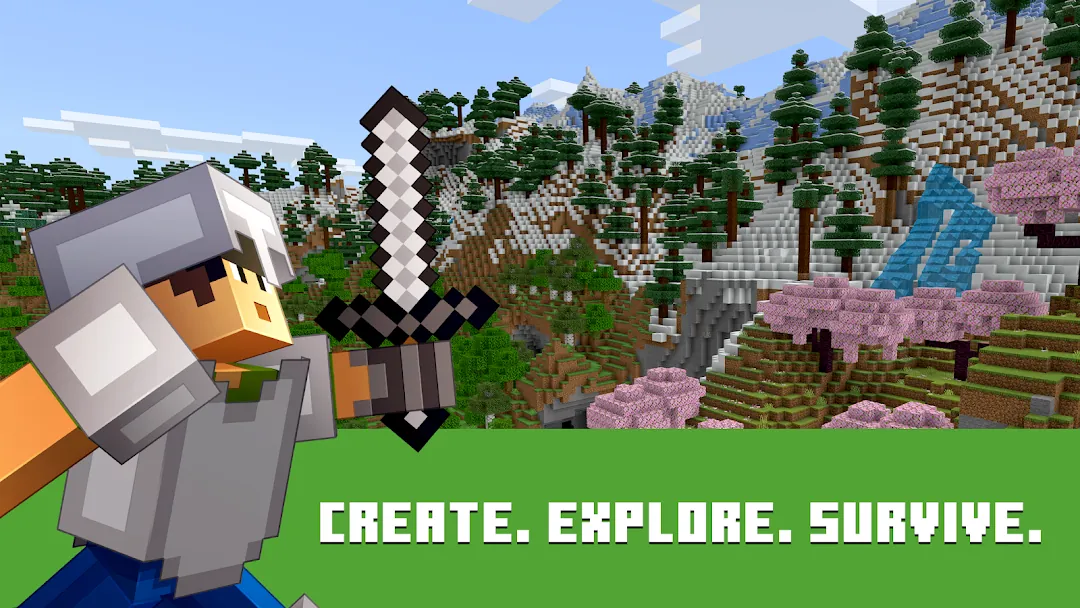
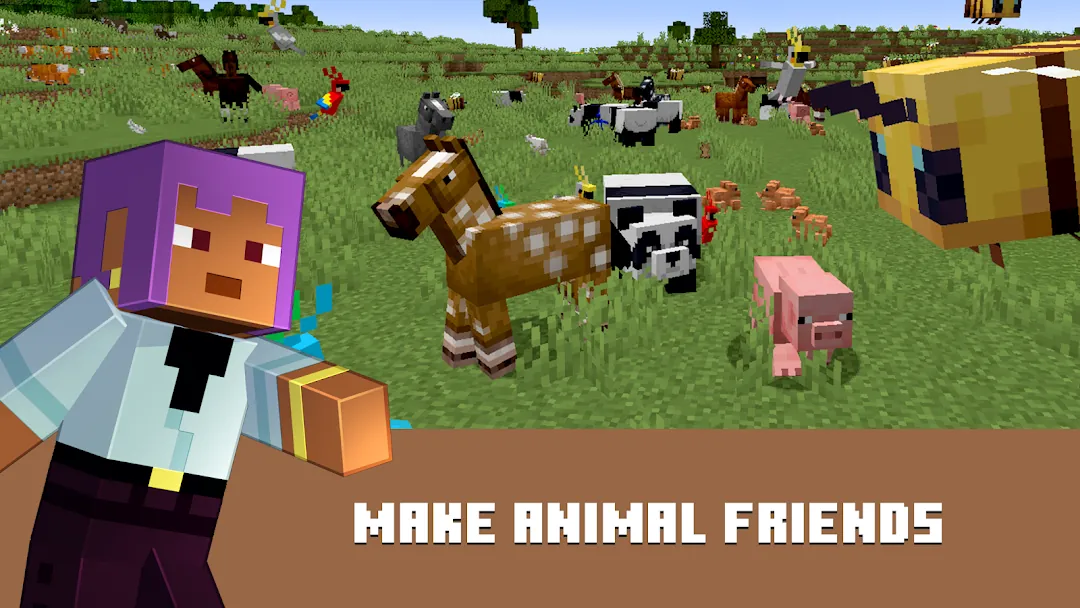
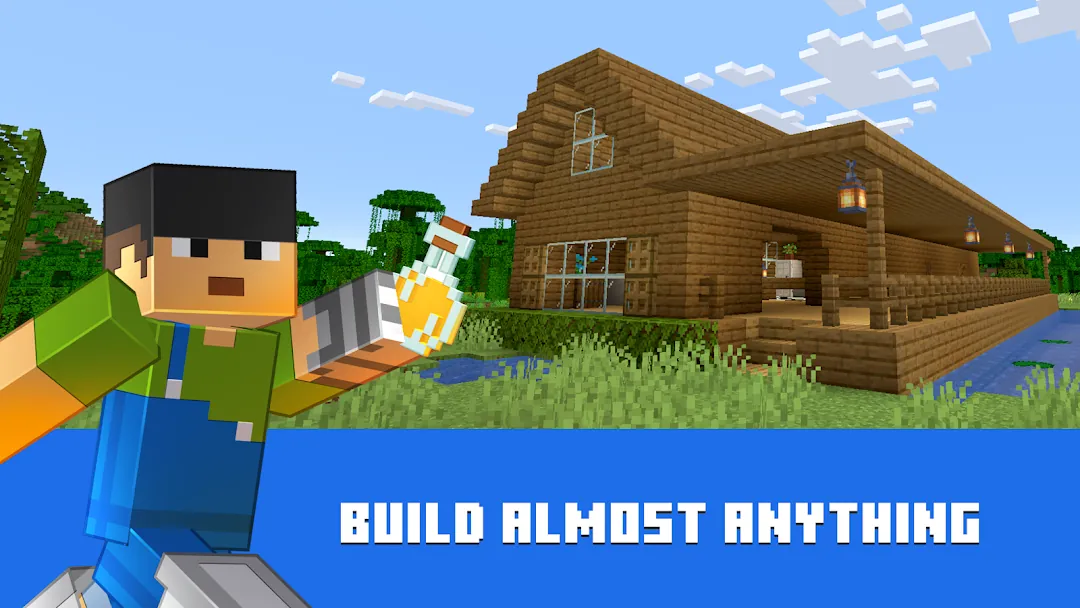
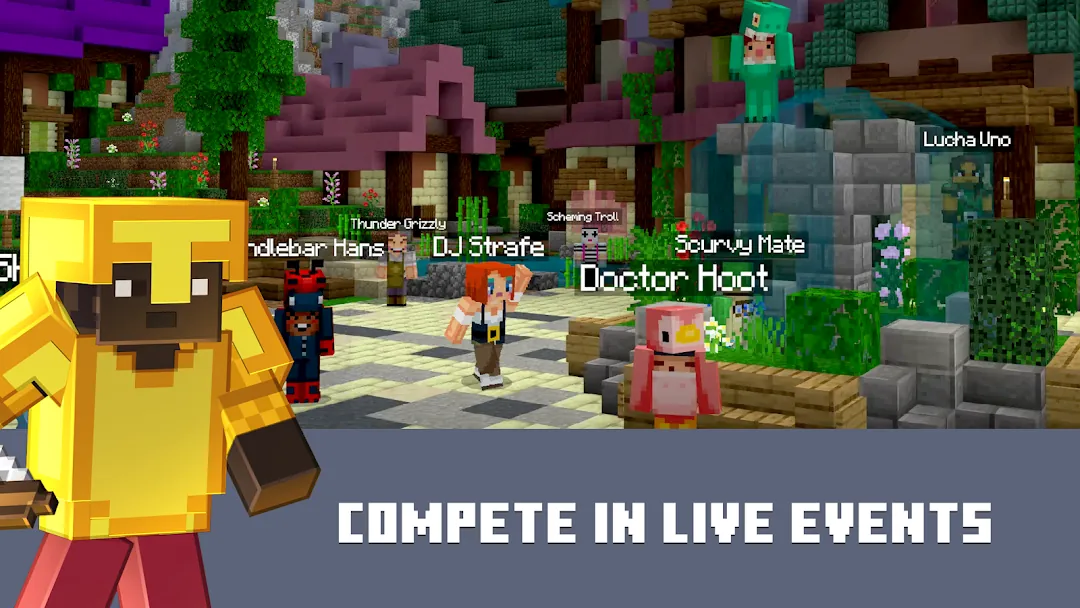
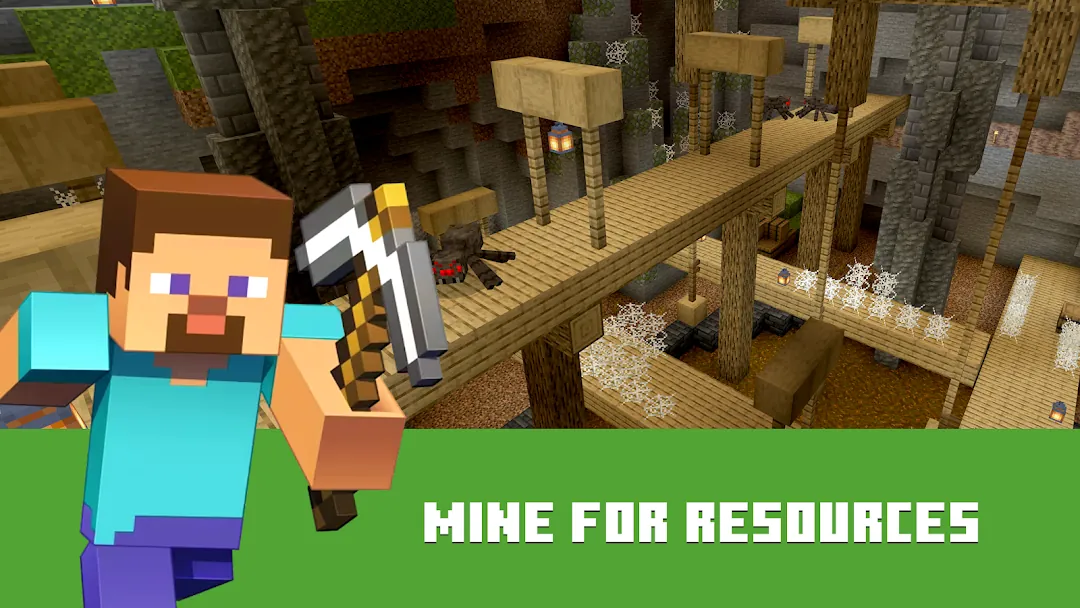
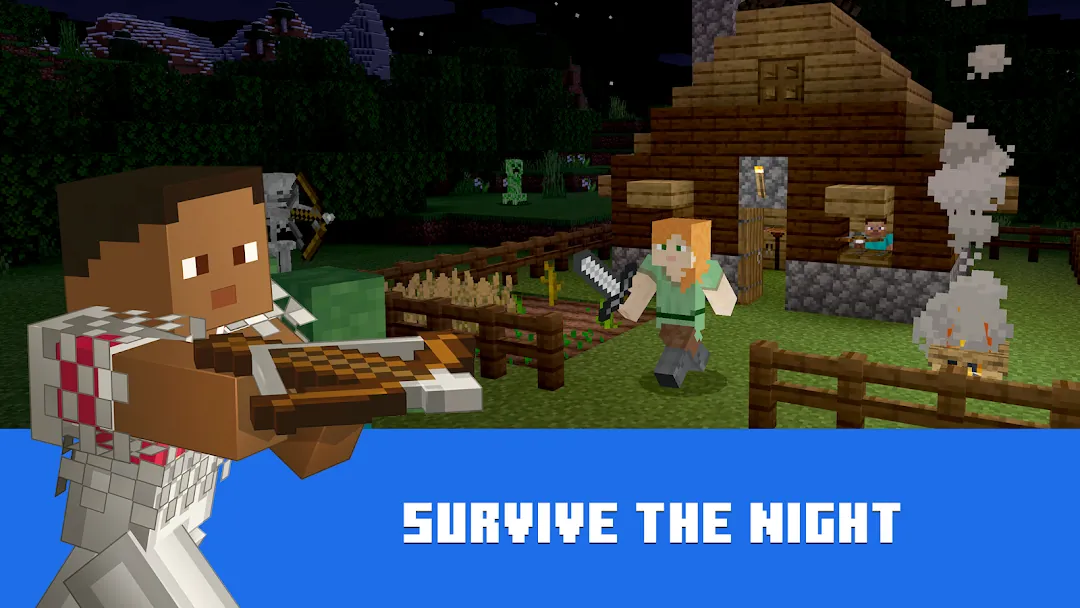
The Minecraft MOD APK provides a highly modified gameplay environment through a comprehensive Mega Menu system. This release is designed to bypass standard survival limitations and character restrictions, offering players a set of tools that alter physics, combat, and exploration mechanics. It focuses on providing a menu-driven experience where various cheats and utility features can be toggled on or off to suit individual gameplay needs.
What This MOD Changes
This Minecraft MOD APK includes an extensive list of modifications divided into several categories within its Mega Menu. The first category focuses on Player Features, including a God Mode for invulnerability and the ability to Freeze Player actions for bots. It removes Fall Damage entirely and introduces Rapid Block Break for faster mining. For interaction with entities, players can use Push Mobs Away or Push Mobs Up. Movement is significantly enhanced with Speed Run, Speed UP, and two versions of Long Jump.
Game Features within the menu allow for permanent flight (Fly) and the manipulation of Gravity. Players can also utilize a Zoom feature (V1 at 2x and V2 at 3x) for better visibility or change their model size using the Big Character toggle. Special Water Features are included specifically for aquatic or surface movement, offering High Jump, Long Jump, Speed Run, and a Trampoline effect while in or near water.
Additional combat and utility features include:
- Weapon High Damage: Significantly increases the power of equipped items.
- Auto Attack: Automates combat against nearby threats.
- All Unlock: Provides access to restricted items and features.
- Removed License Check: Allows the app to run without standard verification.
- Character Editor: All features in the editor are unlocked, though skins do not save after exiting the game.
- Immortality Toggle: Accessible via a round button in the upper left; this specifically works in single-player sessions.
Please note that while various features are unlocked, this MOD does not permit downloading or using paid content from the marketplace, such as official skin sets, worlds, or textures. Furthermore, a known issue with the beta resource loading screen can be bypassed by pressing the device’s Back button.
Version and Compatibility
This specific build is based on the internal package name com.mojang.minecraftpe. According to the verified file data, the version contained inside the APK is 1.26.40.30 (build 972604030). The installation file is 1093 MB in size and is delivered as a single APK, which means no additional OBB or data folders are required for manual placement.
To run this version, your device must be running at least Android 8.0 (API level 26). Because the file has been modified and re-signed by a third party, it is not compatible with the official version from the Google Play Store. You cannot install this as an update over an existing official installation; the digital signatures will conflict, and the installation will fail.
How to Install
Follow these steps to install the Minecraft MOD APK on your compatible Android device:
- You must first uninstall any existing version of Minecraft from your device. If you have the official store version installed, the MOD will not install due to signature conflicts.
- Go to your device’s System Settings and navigate to Security or Privacy settings.
- Locate the option for “Install from Unknown Sources” and enable it to allow the installation of third-party APK files.
- Open your file manager and navigate to the folder where you downloaded the 1093 MB APK file.
- Tap the file to begin the installation process. Follow the on-screen prompts to complete the setup.
- Once installed, launch the game. Look for a round button or menu icon in the upper left corner to access the Mega Menu features.
How This Compares to the Original Release
This version of the game differs fundamentally from the retail version by removing the licensing restrictions and adding a cheat layer. While the original game requires players to manage health, hunger, and movement speed according to fixed rules, the Minecraft MOD APK allows these rules to be ignored. Features like God Mode and Fly are typically restricted to Creative Mode in the original game, but this MOD makes them available within Survival contexts.
Additionally, the character editor in the original release often requires purchases or achievements to unlock specific cosmetic items. This MOD provides access to those features immediately, although it lacks the server-side persistence to save those skins permanently. The removal of the license check also differentiates it from the official build, as it allows the app to bypass the standard authentication required by the Google Play Store.
About Minecraft
As a seminal title in gaming history, Minecraft has inspired later games to incorporate more sandbox and survival elements. As the game has very few, if any, story-based missions, Minecraft offers an open world with rules based on the real world. It has the concepts of gravity, scarcity, and the cycle of the day and night. Although there are very few constraints, players are free to set their own goals.
The Creative Mode is a huge addition to the game and pure building. Here, players don’t have a need to gather resources since there is an unlimited supply, and there are no threats. Because of this mode, players have built large citadels, functional computers, and complete cities. There is infinite space to build, and a draw distance so great that the scene players construct is essentially limitless.
Survival Mode is for gamers who want to invest more time into world and resource management. players start with nothing and must create tools and shelter while foraging for food within a dangerous world. Survival is anchored by the balance between the need to explore new territory and the need to stay safe. The world, during the day, is safe to venture out of your shelter and gather vital resources like ores and wood. However, as each in game day gives way to the night, each player is tasked with protecting their hard fought creations and themselves from the invading enemies that populate the world.
The game’s foundation is resource management. By venturing deeper into the world, players can find rarer minerals which can be crafted to create durability and complexity to in game tools and machines. The players are eventually able to master the environment through the Ultimate or End game sandbox creation. Players are free to live out any creativity like an intrepid explorer, a farm state owner, or a solitary village builder.
There is an element of infinite exploration in this game. Each new world is uniquely composed of forests, deserts, mountains, and oceans. This means no two players have the same experience. There’s a community consensus around the entire game and new updates; the most satisfying and wellpleasing part, however, is still stumbling upon new biomes or hidden structures while exploring a new world. This is because the game is a pure untold narrative sandbox game. This game has no pre-written human narrative guiding the player, but instead relies on the player’s ingenuity and survival skills in order to thrive in a world which is theirs.