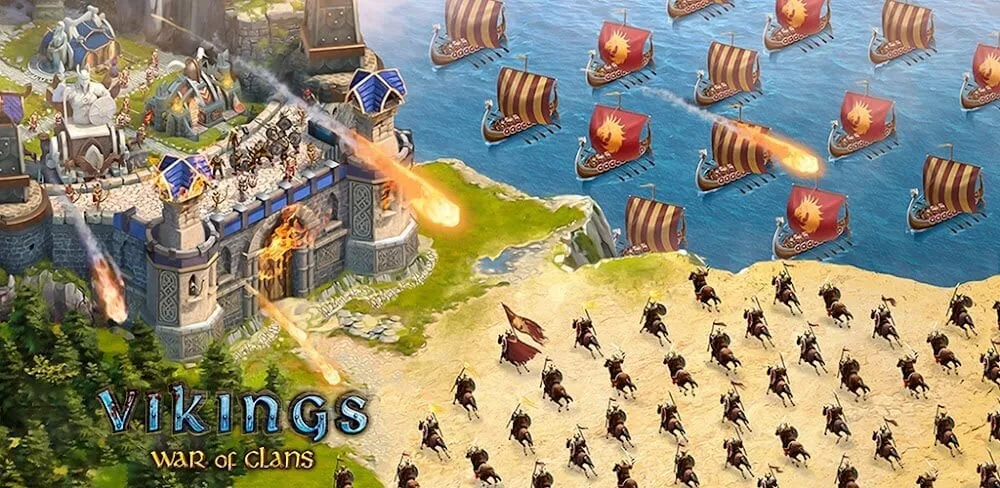

Vikings: War of Clans v7.3.0.1114 MOD APK (Speed Multiplier)
Updated on November 9, 2026App Info
| App Name | Vikings: War of Clans |
|---|---|
| Publisher | Plarium LLC |
| Genre | Strategy |
| Size | 105M |
| Version | 7.3.0.1114 |
| MOD Info | Speed Multiplier |
| Get it On |

|
| Requires | android Android 5.1 |
Screenshots
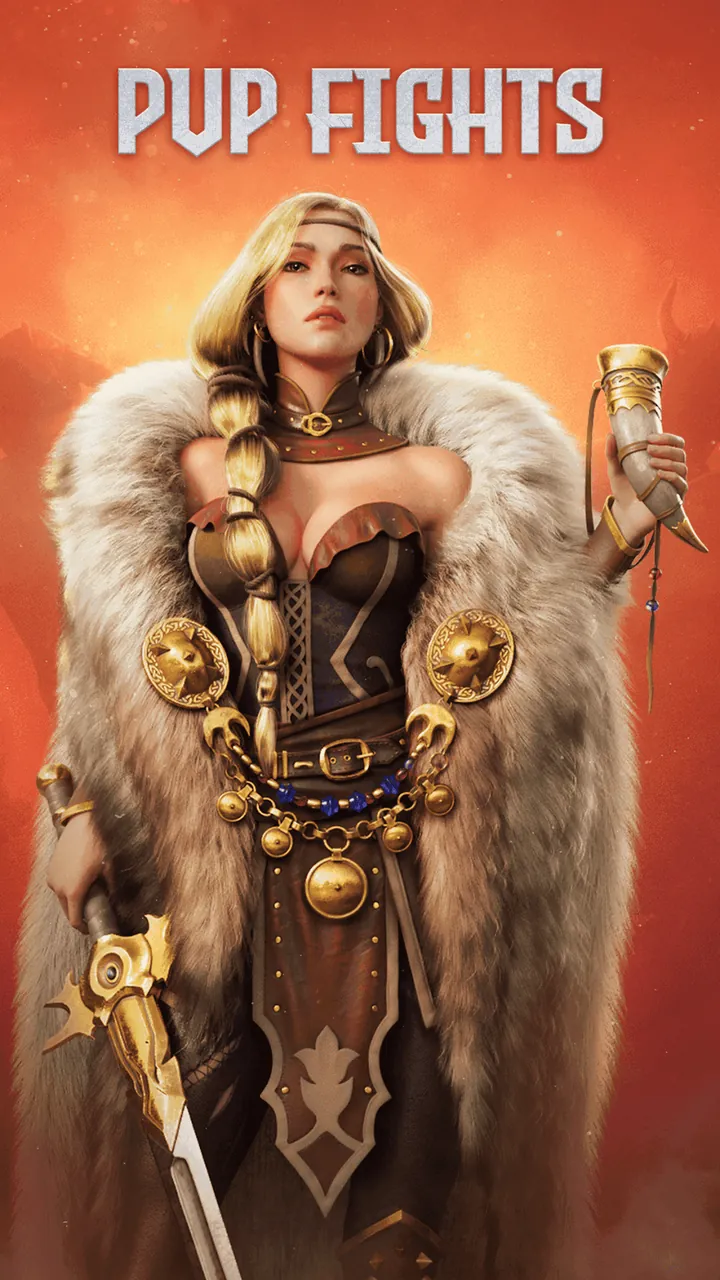
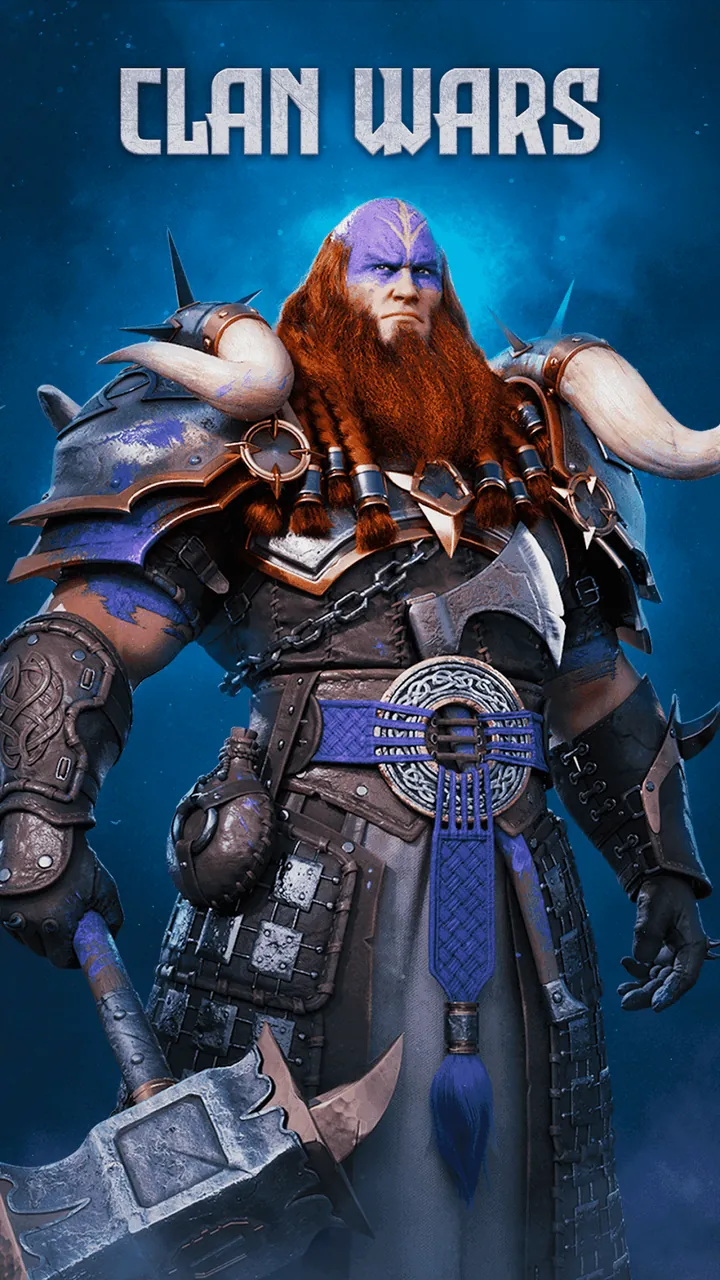
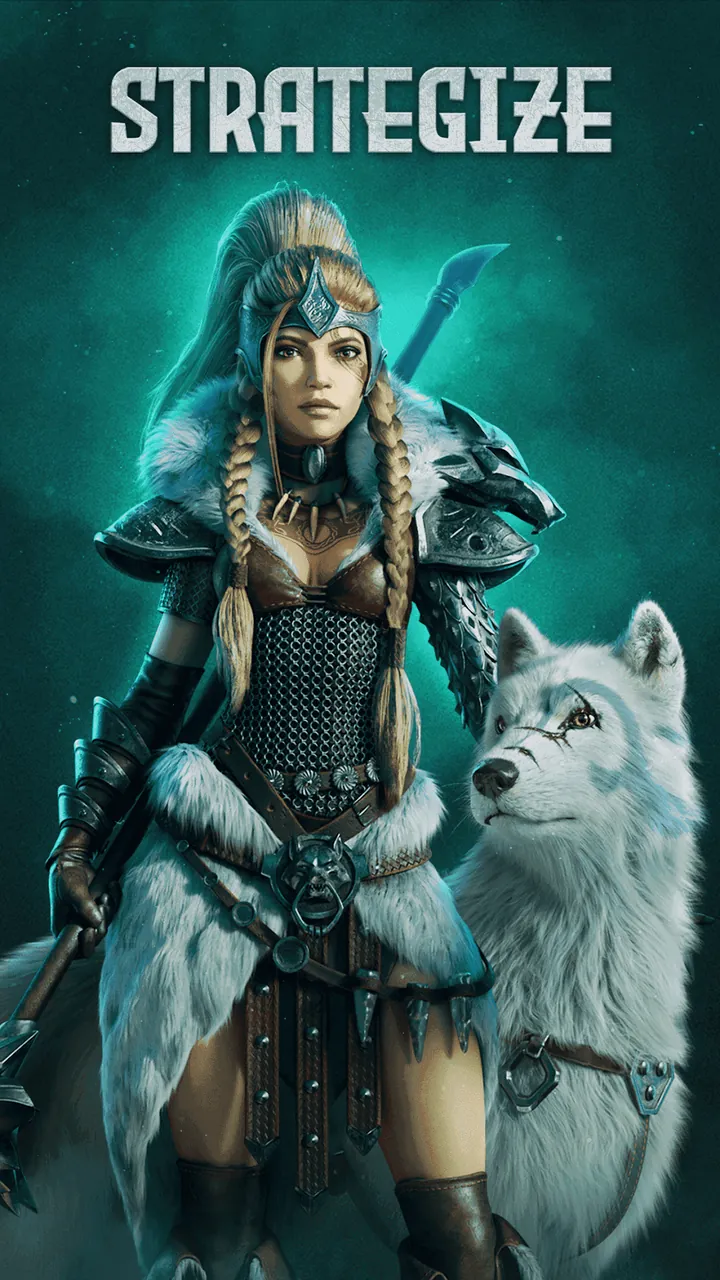
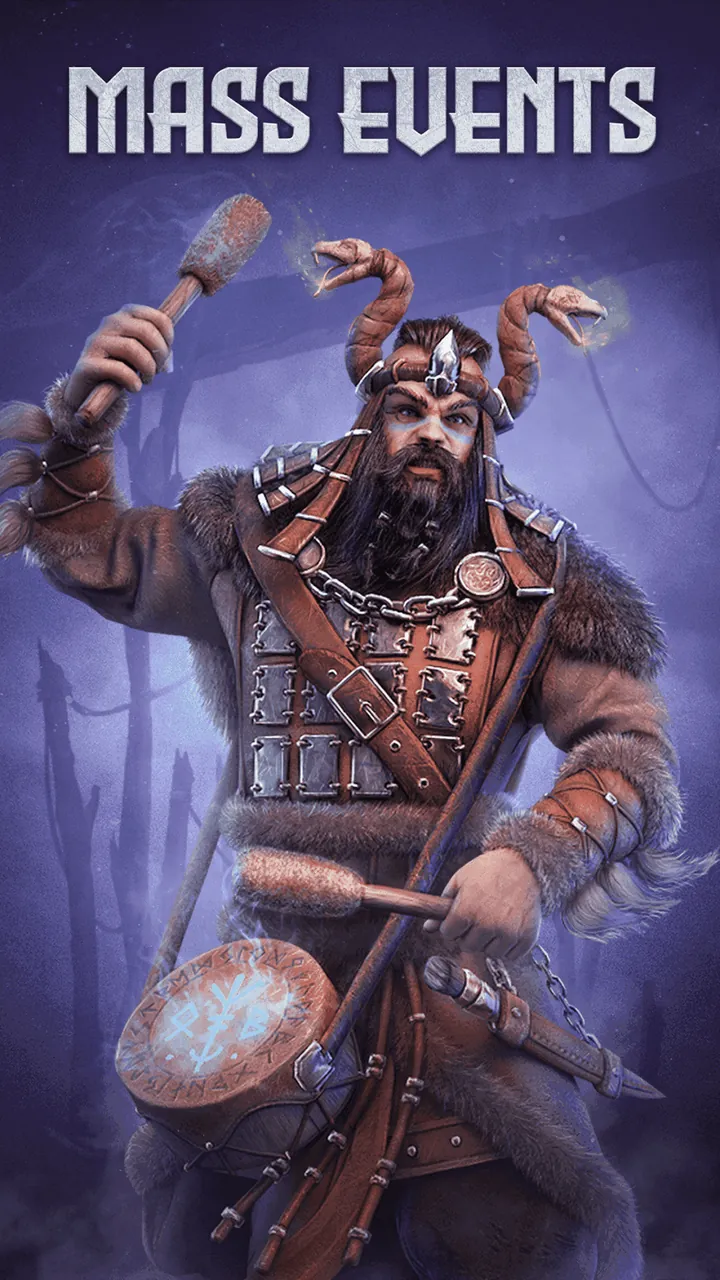
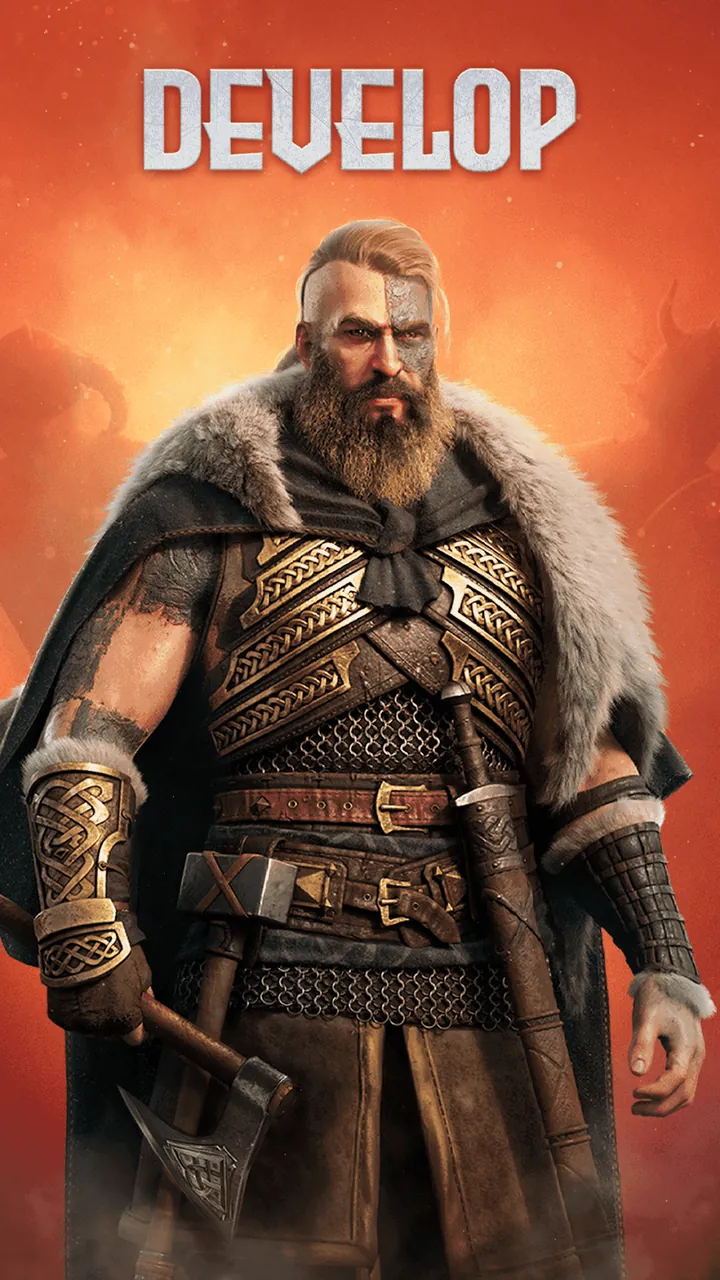
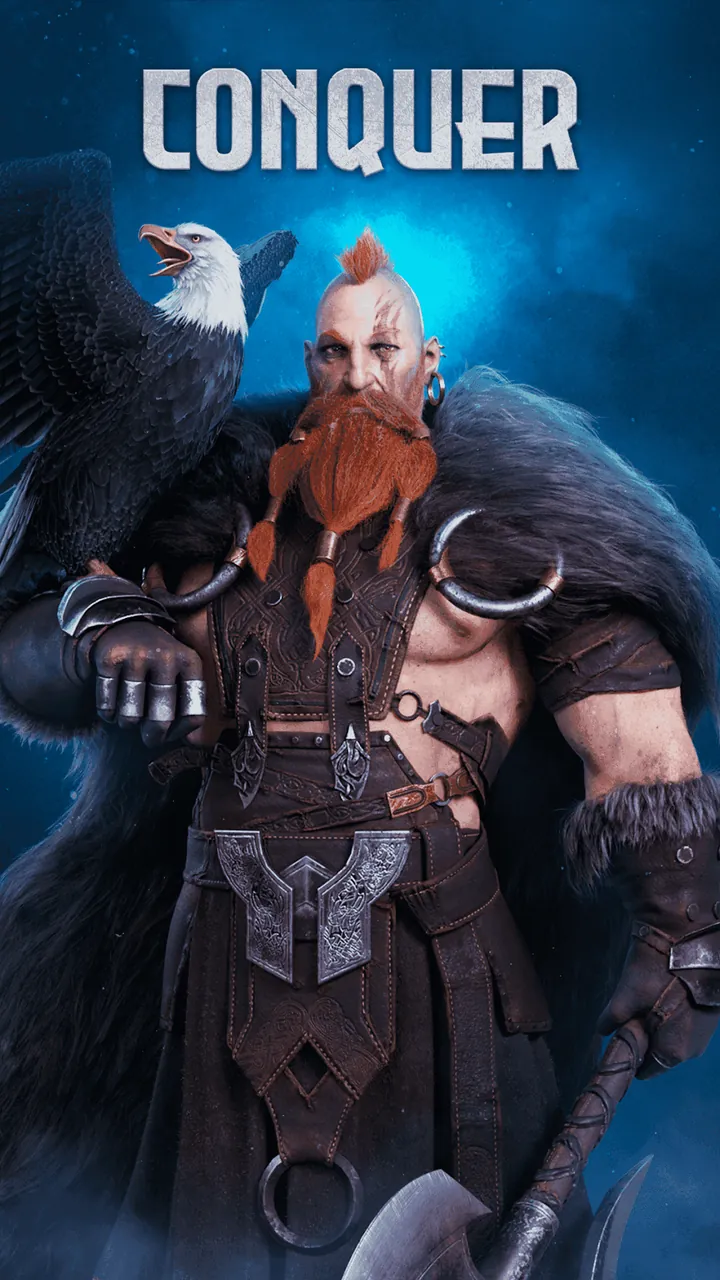
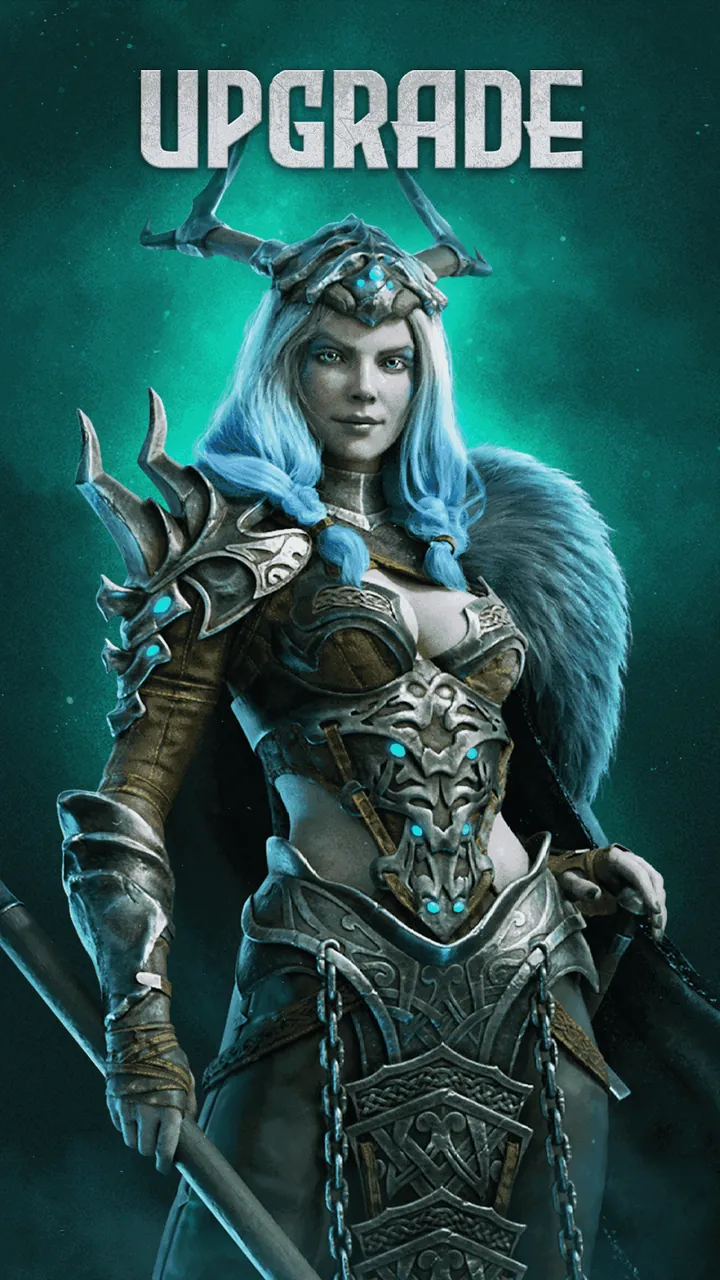
The Vikings: War of Clans MOD APK provides an adjusted gameplay experience for players looking to control the pace of their progression. By modifying the internal logic of the application, this version allows users to manipulate the standard timing found in the original game. This specific Vikings: War of Clans MOD APK is designed for those who want to experience the complexities of empire-building without being strictly tied to the default speed of the simulation.
What This MOD Changes
This modification focuses specifically on the temporal aspects of the gameplay loop. Unlike other mods that might focus on currency, this version provides a Speed Game Multiplier.
- Speed Game Multiplier: This tool allows players to increase the speed at which the game operates. In practice, this means that animations, menu transitions, and certain internal game logic cycles can be accelerated relative to the standard version. It acts as a global multiplier for the game’s internal clock, allowing for a faster flow of events within the local client environment.
Version and Compatibility
The technical specifications for this modified package are derived directly from the APK file to ensure accuracy. The package name is com.plarium.vikings and it is built on version 7.3.0.1114 (build 1573001114). The file size is 152 MB and it requires a device running Android 7.0 (API 24) or higher.
This is a single APK installation that does not require additional OBB data files to be manually placed in the file system. Because this file has been modified and re-signed by a third party, it uses a different digital signature than the version available on the Google Play Store. As a result, it cannot be installed as an update over the official release; the original app must be removed first.
How to Install
Follow these steps to install the modified version on your Android device:
- Step 1: You must first remove any existing installation of Vikings: War of Clans from your device. Because the signatures differ between the official and modified versions, the installation will fail if the original app is still present.
- Step 2: Open your device settings and navigate to the security or privacy section. Enable the option to allow installations from “Unknown Sources” or manually grant your browser/file manager permission to install APK files.
- Step 3: Locate the file named Vikings-War-of-Clans-v7.3.0.1114-MOD-thinkkers.com.apk in your download folder.
- Step 4: Tap the file and select “Install.” Once the process is complete, you can open the app and access the speed multiplier features.
How This Compares to the Original Release
This version is based on the 7.3.0.1114 release of the game. While the core assets, mechanics, and empire-building systems remain identical to the developer’s original intent, the primary difference lies in the pacing. The original release operates on a fixed 1:1 speed ratio governed by the server and client sync. This MOD introduces the ability to break that ratio via the multiplier, giving the player more control over how quickly the game processes visual and logic-based events. Outside of this speed modification, the game retains the standard structural and military systems designed by Plarium.
About Vikings: War of Clans
In Vikings: War of Clans you can create your own Viking clan and lead them to conquer the world of the many Viking clans. You need to carefully manage your cities, manage the economy, and create the strongest army to defeat your foes. Your ultimate goal is to start as a tiny and vulnerable settlement and conquer all the lands and turn your new empire into the most feared clan across the lands of the north.
The game is quite complex and is made up of several different systems. The first system is urban development. The foundation to any successful Viking clan is a strong settlement. In order to succeed, you need a variety of specialization buildings. The Tavern is a crucial social hub for a settlement. A strong clan needs a centralized meeting point and the Mead Hall serves that purpose. It is the main point of reinforcement and represents the strength and unity of your clan. For spiritual guidance, there is the Shrine to Odin where you can offer sacrifices to appease the gods and gain divine favor.
The other side of the equation is military might. A leader is only as strong as the soldiers that follow. The game has you build barracks to recruit and train a variety of troops. You have to maintain a balanced army to succeed in the variety of scenarios you will face in battle. Throughout this strategy game, players will face different battle types, each favoring different units. There is a system for spying on other players’ troops, allowing you to identify their weaknesses. Traditional war gamers appreciate systems like this because they favor strategic systems as much as overtly powerful ones.
Expansion is key for survival in the world of Vikings. The larger your settlement, the more it grows and demands more. This creates a need for new lands and new resources. Consequently, you will get into conflict with other players for the same reason. Constant wars make the game competitive and require you to always improve your army and expand your kingdom. Individual player raids and large clan wars both get prioritized based on the strategic needs of your kingdom.
The game has a well thought out system to advance your character and family. Every house built, every resource managed, and every unit trained helps grow your Nordic family. You will make many difficult decisions on how to best expand and develop your family. You must constantly decide how to best grow your family. Do you attack and conquer neighboring Kingdoms? Do you improve your weapons and structures? There is always something to do to further develop your family and decide the course of your empire.
Social interaction is heavily rewarded. Joining a clan gives players a sense of community as they can band together to build larger and stronger fortresses and train larger armies. Through the Clan system you can ally yourself with other players to launch attacks on enemy clans. The game encourages you to constantly foster new alliances and break old alliances.
The developers did a great job recreating the age of the Vikings. The game captures the look and feel of the age with amazing structures and designs. There is a constant sense of ambition to conquer more and build larger. For those who enjoy building and management sims, Vikings: War of Clans gives you a structured and developed world where you can play out the role of Nordic conqueror.
FAQ
What does Vikings: War of Clans MOD APK unlock?
This 7.3.0.1114 version of Vikings: War of Clans includes a Speed Multiplier. Otherwise, it works like the Plarium LLC release, and the changes are active as soon as you install.
What is the latest version of Vikings: War of Clans MOD APK?
This 7.3.0.1114 build matches the Plarium LLC release last updated on November 9, 2026. We don’t keep older versions here. To update, install this file over the current app. If Android shows a signature conflict, uninstall the old version first.
Is Vikings: War of Clans MOD APK safe to download?
This 7.3.0.1114 Vikings: War of Clans package on Thinkkers is the original Plarium LLC app with only a Speed Multiplier modified. 10 users gave it a 3.5 score out of 5. Expect a Play Protect warning during install, but always download from this page.
Can I use Vikings: War of Clans MOD APK on PC or iPhone?
This Android app will not work on iPhone or iPad. On Windows or macOS, install an emulator like BlueStacks or LDPlayer, then drag the 105M file in to run it.