

CallsBox v6.2 MOD APK (Premium Unlocked)
Updated on August 24, 2026App Info
| App Name | CallsBox |
|---|---|
| Publisher | SMSROBOT LTD |
| Genre | Productivity |
| Size | 18M |
| Version | 6.2 |
| MOD Info | Premium Unlocked |
| Get it On |

|
| Requires | android Android 5.1 |
Screenshots

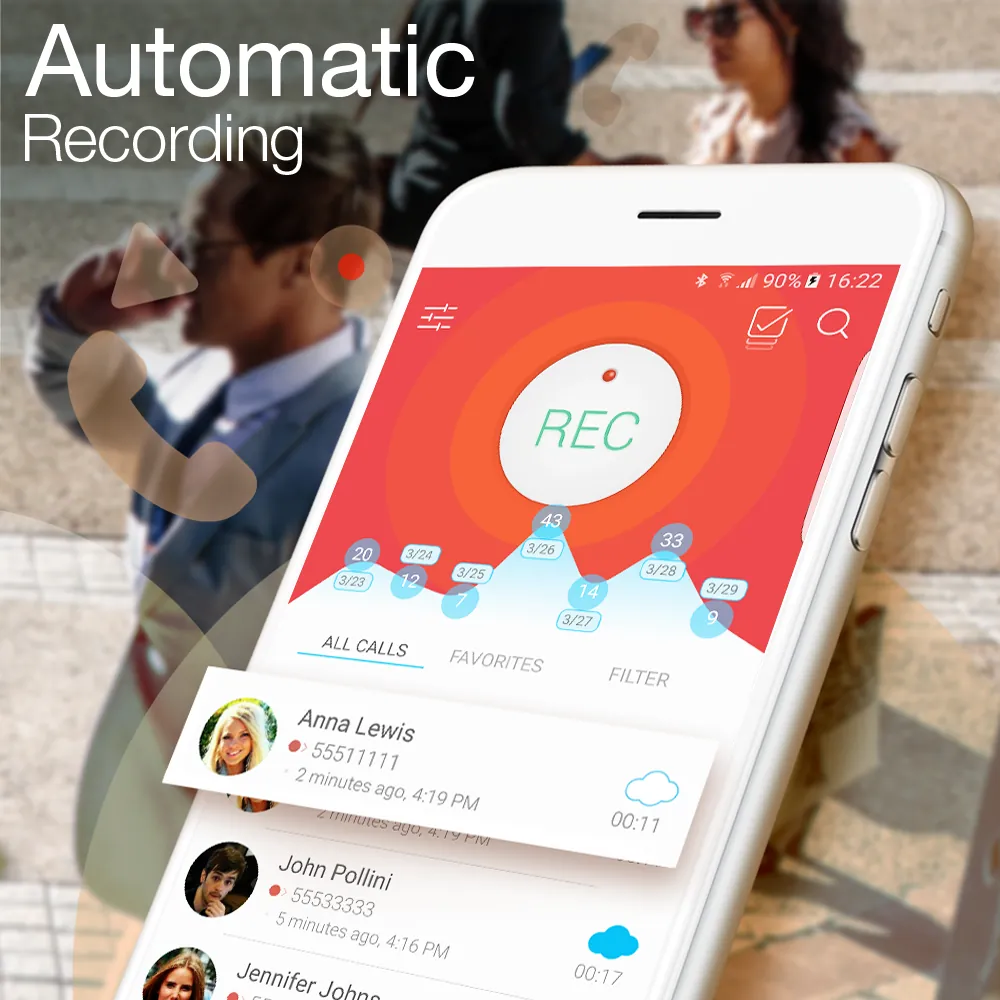
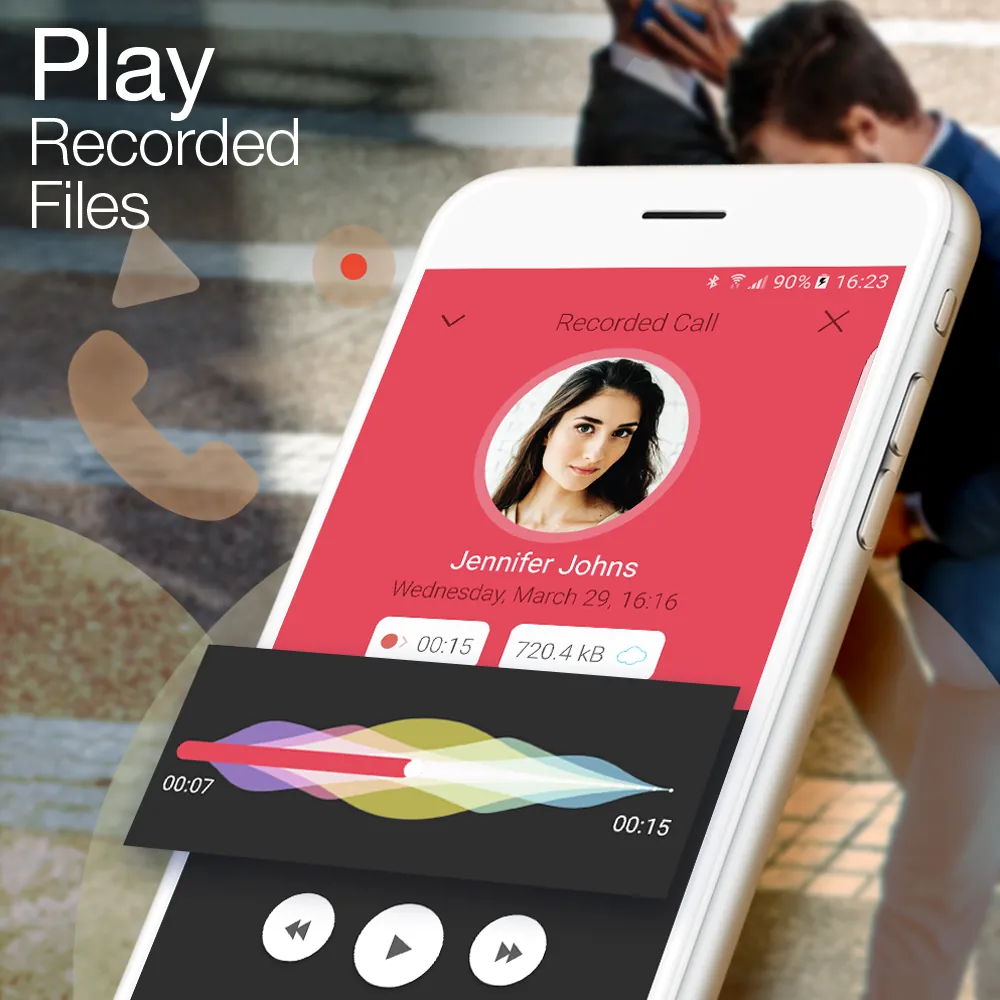
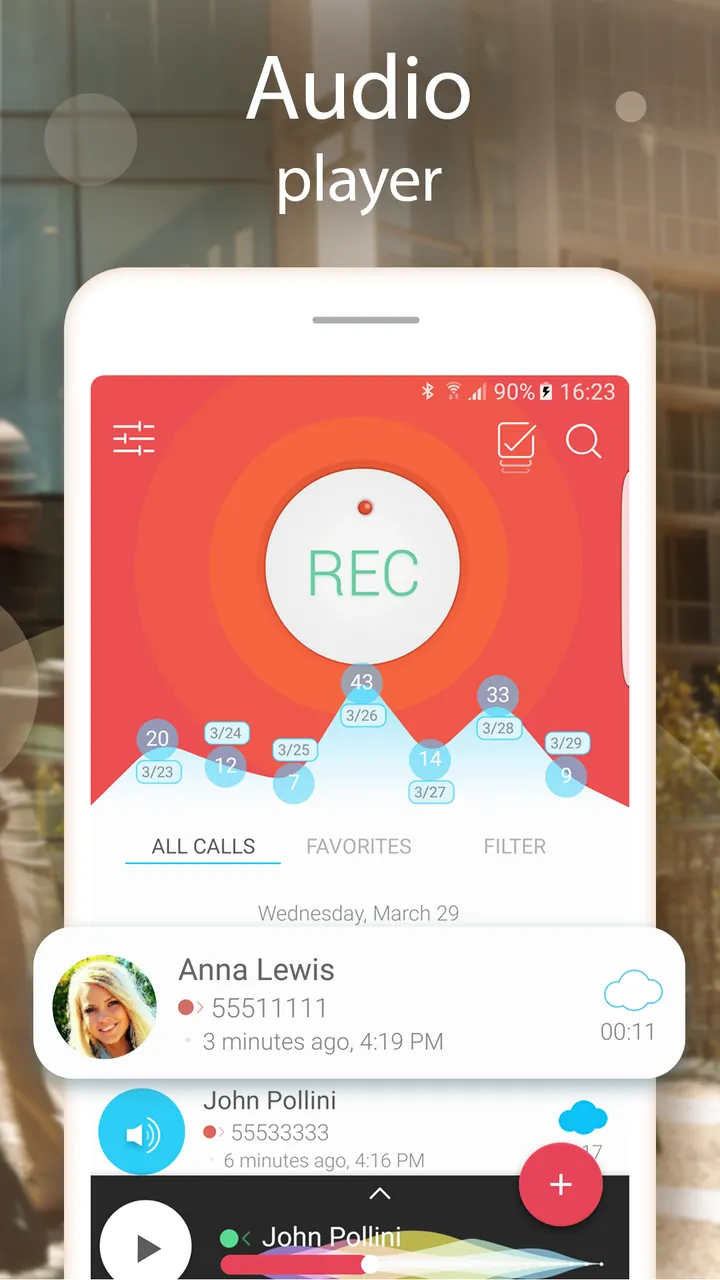
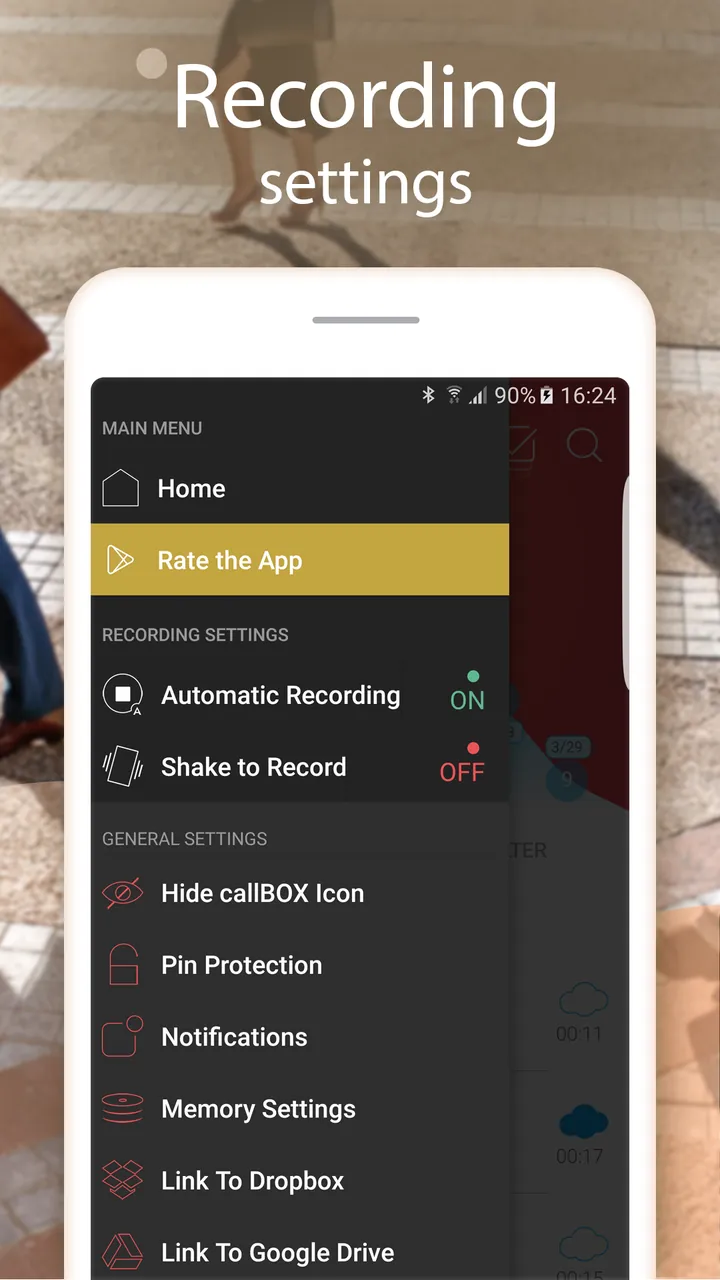
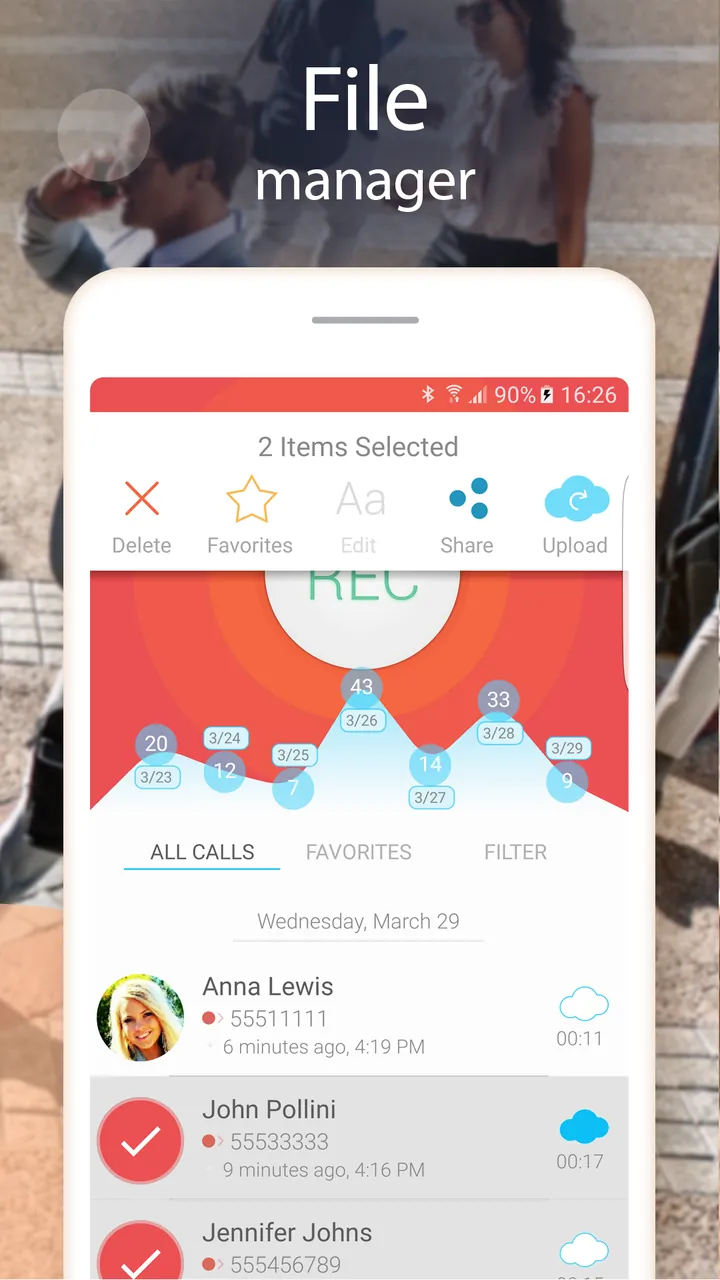
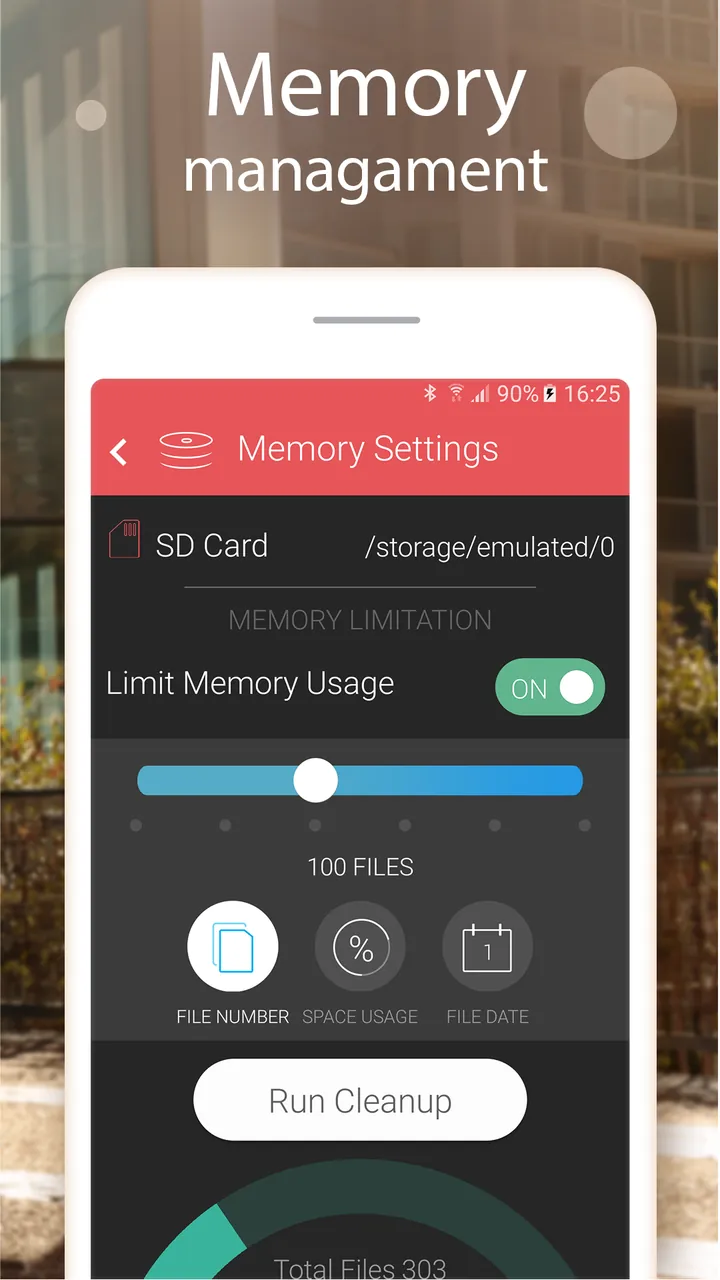
CallsBox is a comprehensive productivity tool designed for Android users who need a reliable method for recording and managing their phone conversations. By installing the CallsBox MOD APK, users gain access to the premium features of the application without the standard restrictions found in the basic version. This modified version ensures that all calls are captured with high-quality audio while providing advanced caller identification tools to keep you informed and protected from spam.
What This MOD Changes
The primary modification for this release is that the Premium features have been unlocked. This allows users to access all advanced functionalities of the application that are normally behind a subscription paywall or locked in the free version.
Additionally, this version includes a specific Google Auto Login Workaround. Because modified apps often have difficulty communicating with Google Services, this MOD requires a specific process if you wish to use Google login features:
– You must first install the official version from the Play Store to establish the initial login.
– After logging in, the official app must be uninstalled.
– Finally, the MOD is installed to carry over the logged-in status while enabling the premium features.
Version and Compatibility
The CallsBox MOD APK is based on the following technical specifications verified from the file:
– Package name: com.smsrobot.call.recorder.callsbox
– Internal Version: 6.2 (build 53)
– Minimum Android Requirement: Android 5.0 (API 21) or higher
– File Size: 18 MB
– Package Type: Single APK (no additional OBB or data files required)
Please note that this file uses a custom digital signature. Because the signature does not match the official developer’s certificate, it cannot be installed as an update over the version available on the Google Play Store. You must remove any existing installation before attempting to install this file.
How to Install
To install the modified version of CallsBox, follow these specific steps to ensure the application and its login workaround function correctly:
- If you have the official version or a previous MOD installed, uninstall it first.
- Reboot your mobile device to clear any cached data from the previous installation.
- To sync with Google, first install the official version from the Play Store and log in with your Google account.
- Once logged in, uninstall that official version.
- Go to your device settings and ensure that installation from Unknown Sources is enabled.
- Locate the downloaded CallsBox-v6.2-MOD-thinkkers.com.apk file and tap it to begin the installation.
- Open the app and log in to access the unlocked premium features.
How This Compares to the Original Release
This modified version is built upon version 6.2 (build 53) of the official CallsBox application. While the original app requires a subscription or one-time purchase to access premium recording settings, enhanced storage options, and ad-free usage, this MOD provides those Premium Unlocked features by default. It also addresses the common issue where modified apps struggle with Google Play services for account syncing by providing a documented workaround method. Unlike the original release, this version is distributed as a single APK file with a custom signature, meaning it bypasses the standard Play Store update mechanism and must be updated manually via a new APK file.
About CallsBox
CallsBox fills the recording call gap with a well thought out and feature packed solution for Android users. Many important, difficult to recall, and/or highly emotional calls happen on a day to day basis. It’s users’ peace of mind knowing a quick and reliable call recording system is a click away. Usage of the app is super simple. The recording of calls is fully automated so that users aren’t stressing to take notes or calling out participants to recap notes forgotten during the call.
Recordings can be set to happen on a call by call basis or on a global basis. This added flexibility is a clear differentiator from the built in call recorders. Beyond simple record and play functionality, CallsBox supports play back and recording in high quality MP3 and WAV. For those users who still try to rely on the built in call recorders, you may find out the hard way the recordings are usually so low quality it’s almost impossible to understand, transcribe, or recall the thoughts said in the call.
CallsBox offers more than just call logging. It offers advanced Caller ID. This is useful for knowing who is calling before you even answer the phone. It is useful for professionals who receive many calls from potential clients or business partners. Knowing the caller before you answer the phone and possibly ignoring some calls makes your business day more efficient. The app pulls information from a large database to help you decide if you want to even answer a call. It helps you prioritize important calls.
Another essential feature of this app is call recognition technology. Phone call spam, especially from telemarketers and automated calls is the biggest annoyance for smartphone users today. This spam call recognition feature helps by alerting the user to spam calls. It also helps users clear their phone calls by using the volume rocker to decline calls to voicemail. This feature is very useful during meetings, wife time, movies, or any time you wish to stop a call from ringing without the hassle of answering the call and sending it straight to voicemail.
The convenience and privacy features of the app lets users control how other people might overhear their private conversations. With the built-in speaker, users can control whether they want to share their recordings by playing them out loud. Conversely, to review calls privately, users can turn on the earpiece. The design of the app also helps users maintain privacy by organizing the calls for easy, quick searches in the app.
For users who tend to store large volumes of data, managing storage is of particular concern with the app. CallsBox mitigates this concern with easy-to-use file management tools that allow users to keep only the calls they absolutely need. In addition, the app uses compressed formats to decrease file size, meaning that recordings are structured as compact as possible without a significant loss of audio quality. For users who need to share recorded calls for legal or professional reasons, the app has an integrated tool that provides instant sharing to each of the major email and message systems and cloud storage solutions.
This app is ideal for anyone, from lawyers to journalists and from students to average people. For lawyers, it captures verbal agreements and client consultations. For journalists, it captures everything said during the interview. For everyone else, it writes down directions, grocery lists, or date of appointments said on phone. It has productivity gains since people don’t need to write everything down.
The user interface is easy and user friendly since it is designed for everyone. The user dashboard has recently recorded calls, phone numbers of recorded calls, and blocked numbers. Chat settings easily let the user record conversations of specific numbers or record calls of all unknown numbers. Many other chat recording apps lack this feature and only record calls in an all or nothing scenario.
CallsBox has functional utility and prioritizes privacy. Though their service captures calls, users manage those recorded files. It is important for the privacy of users who record private texts and sensitive business dealings. Calls Box combines call recording, spam blocking, and caller ID on one app for Android users so they will not need as many apps, and will have a better mobile communication experience.