
CallsBox v6.2 MOD APK (Premium Unlocked)
Updated on August 24, 2026App Info
| App Name | CallsBox |
|---|---|
| Publisher | SMSROBOT LTD expand_more |
| Genre | Productivity |
| Size | 18M |
| Version | 6.2 |
| MOD Info | Premium Unlocked |
| Get it On |

|
| Requires | android Android 5.1 |
Screenshots

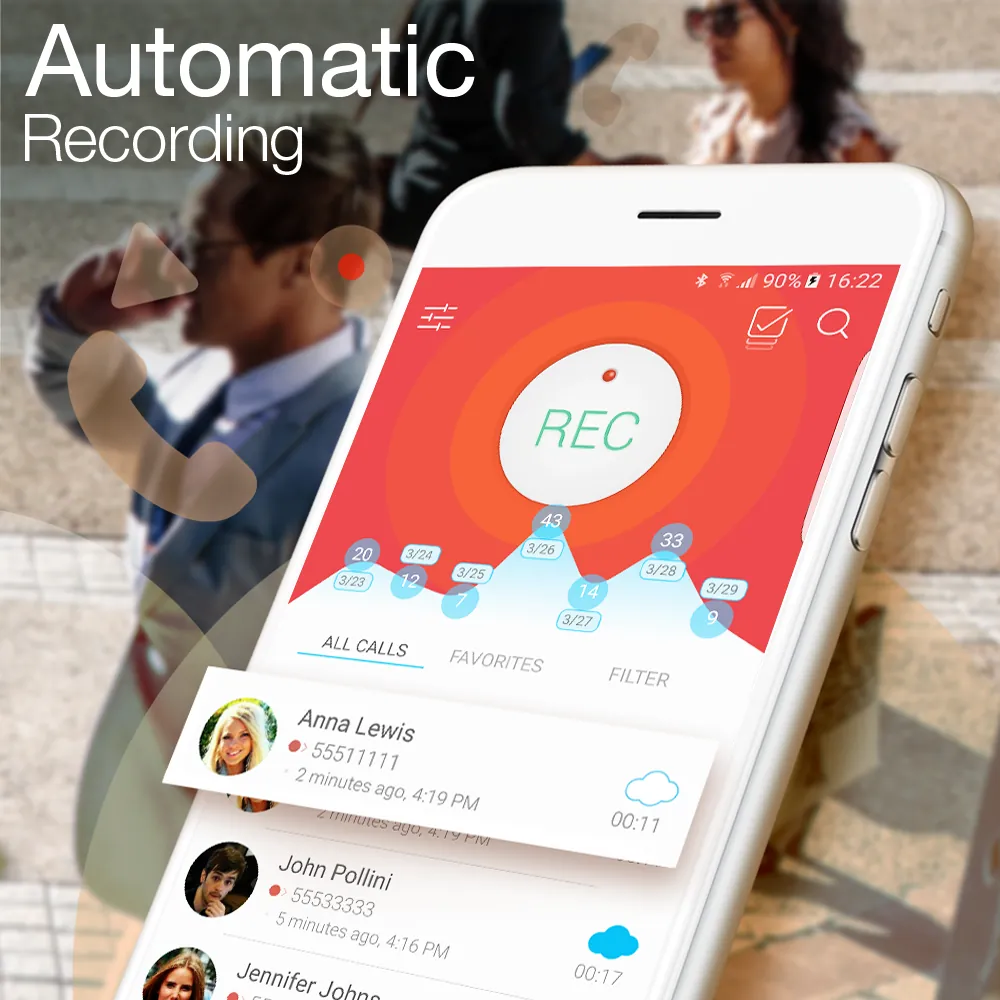
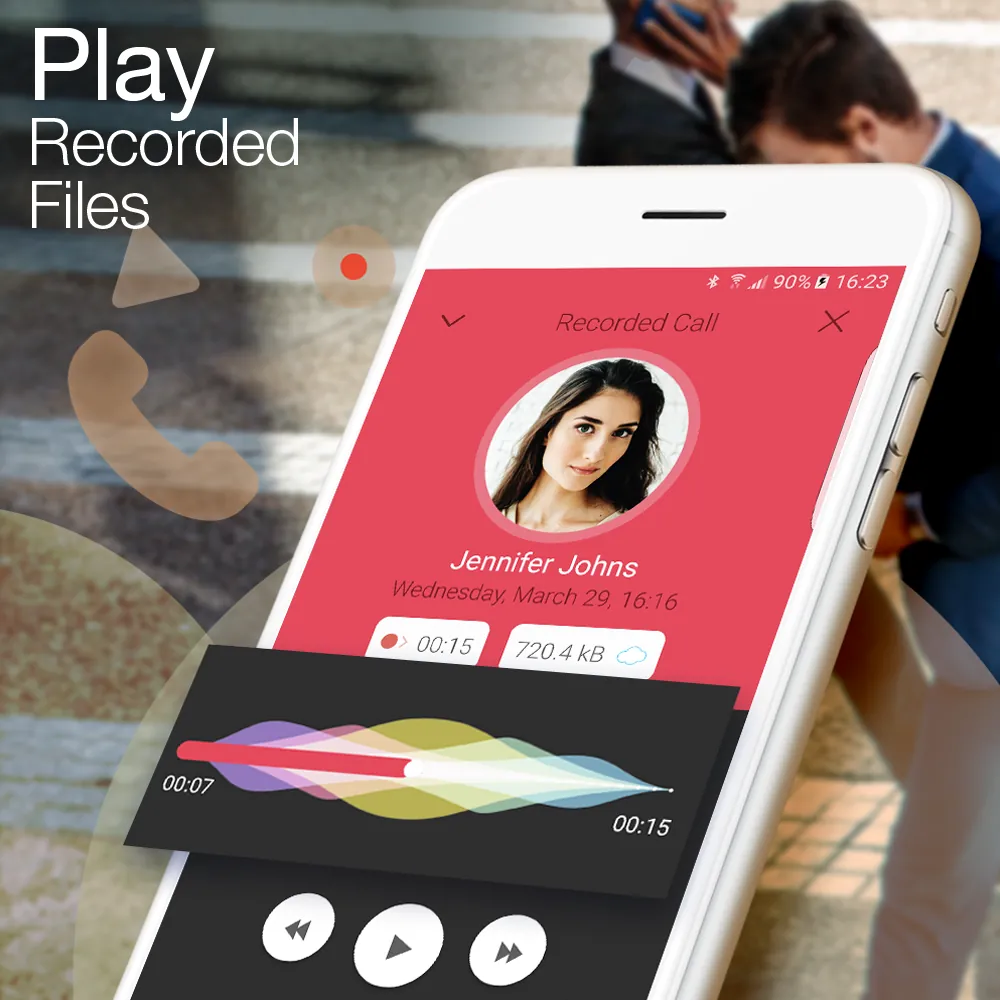
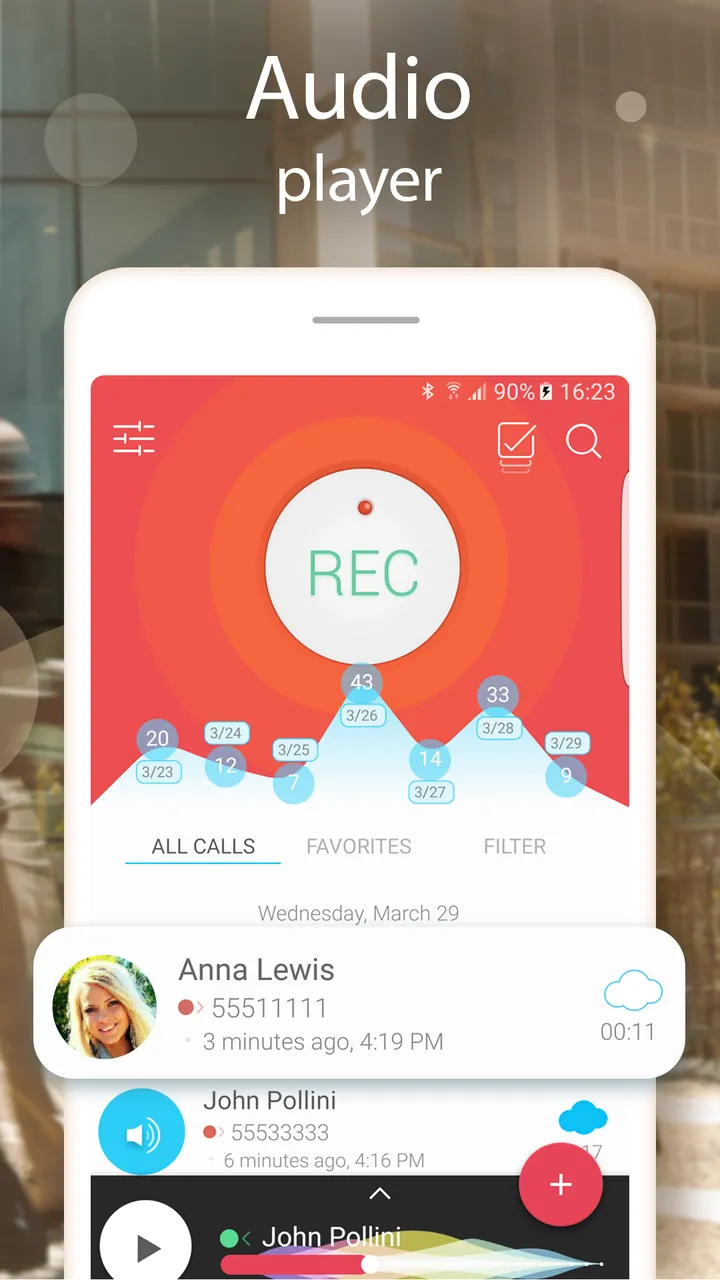
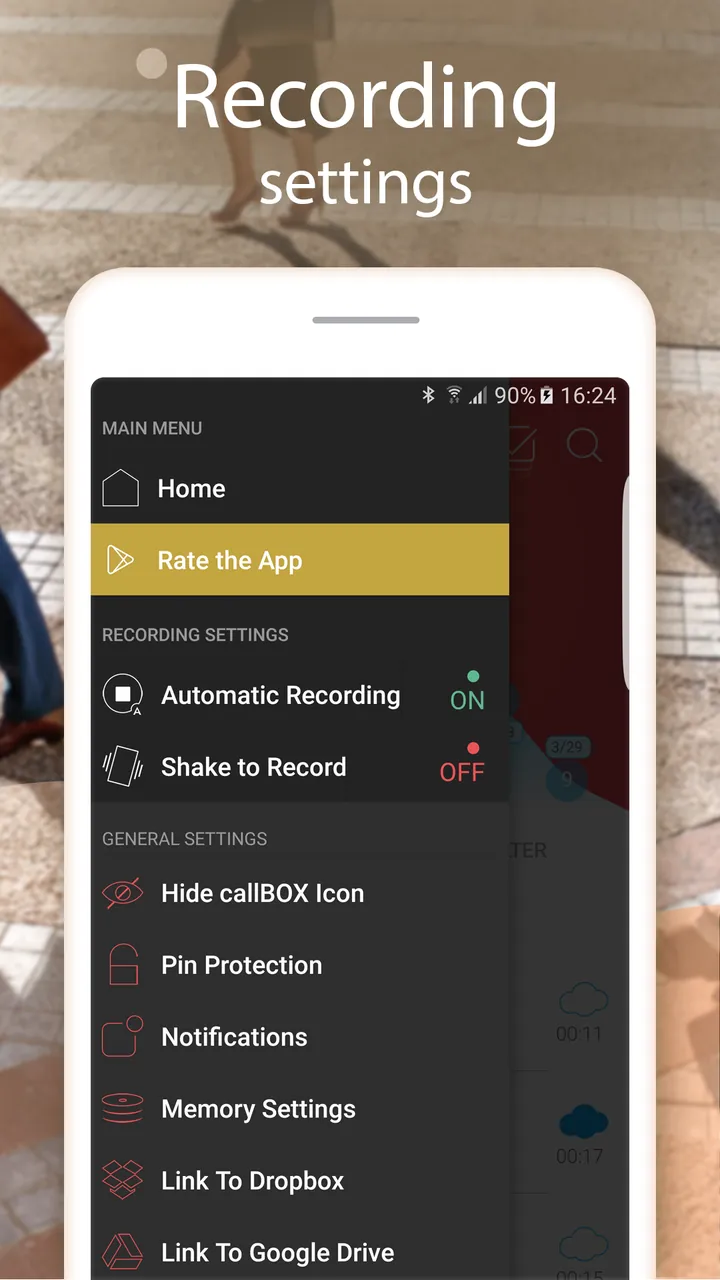
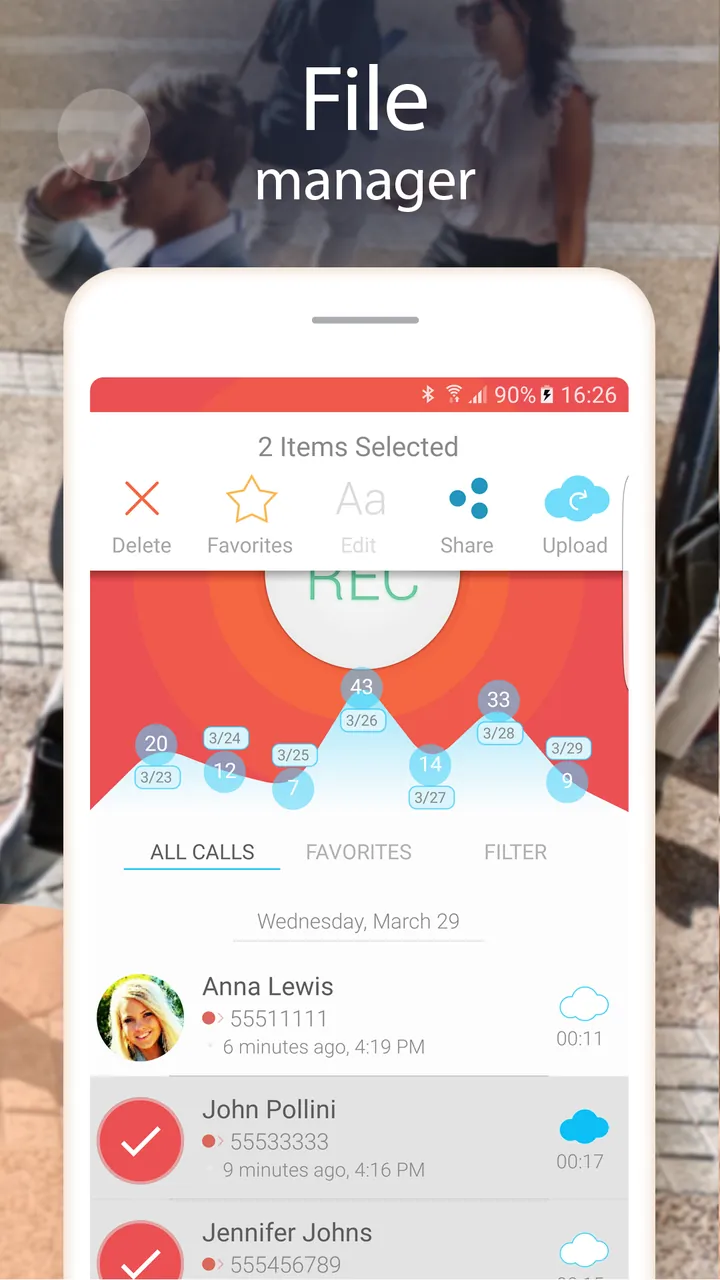
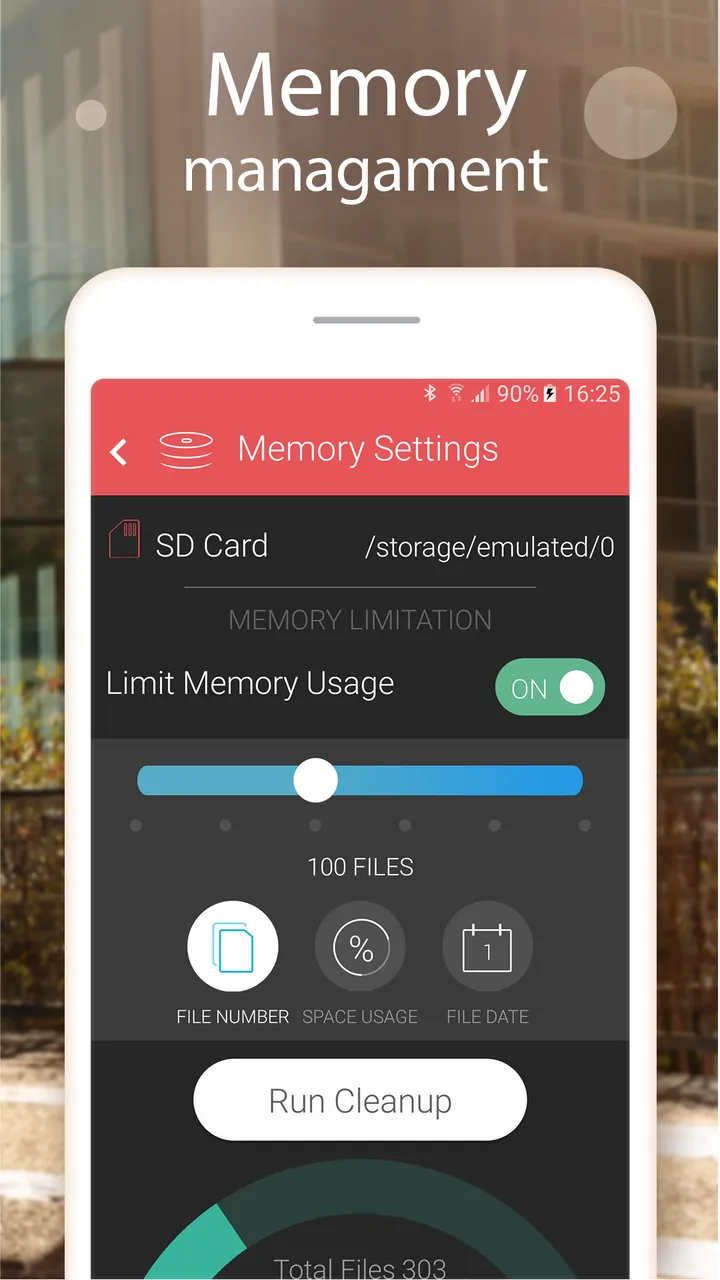
CallsBox is a comprehensive productivity tool designed for Android users who need a reliable method for recording and managing their phone conversations. By installing the CallsBox MOD APK, users gain access to the premium features of the application without the standard restrictions found in the basic version. This modified version ensures that all calls are captured with high-quality audio while providing advanced caller identification tools to keep you informed and protected from spam.
What This MOD Changes
The primary modification for this release is that the Premium features have been unlocked. This allows users to access all advanced functionalities of the application that are normally behind a subscription paywall or locked in the free version.
Additionally, this version includes a specific Google Auto Login Workaround. Because modified apps often have difficulty communicating with Google Services, this MOD requires a specific process if you wish to use Google login features:
– You must first install the official version from the Play Store to establish the initial login.
– After logging in, the official app must be uninstalled.
– Finally, the MOD is installed to carry over the logged-in status while enabling the premium features.
Version and Compatibility
The CallsBox MOD APK is based on the following technical specifications verified from the file:
– Package name: com.smsrobot.call.recorder.callsbox
– Internal Version: 6.2 (build 53)
– Minimum Android Requirement: Android 5.0 (API 21) or higher
– File Size: 18 MB
– Package Type: Single APK (no additional OBB or data files required)
Please note that this file uses a custom digital signature. Because the signature does not match the official developer’s certificate, it cannot be installed as an update over the version available on the Google Play Store. You must remove any existing installation before attempting to install this file.
How to Install
To install the modified version of CallsBox, follow these specific steps to ensure the application and its login workaround function correctly:
- If you have the official version or a previous MOD installed, uninstall it first.
- Reboot your mobile device to clear any cached data from the previous installation.
- To sync with Google, first install the official version from the Play Store and log in with your Google account.
- Once logged in, uninstall that official version.
- Go to your device settings and ensure that installation from Unknown Sources is enabled.
- Locate the downloaded CallsBox-v6.2-MOD-thinkkers.com.apk file and tap it to begin the installation.
- Open the app and log in to access the unlocked premium features.
How This Compares to the Original Release
This modified version is built upon version 6.2 (build 53) of the official CallsBox application. While the original app requires a subscription or one-time purchase to access premium recording settings, enhanced storage options, and ad-free usage, this MOD provides those Premium Unlocked features by default. It also addresses the common issue where modified apps struggle with Google Play services for account syncing by providing a documented workaround method. Unlike the original release, this version is distributed as a single APK file with a custom signature, meaning it bypasses the standard Play Store update mechanism and must be updated manually via a new APK file.
About CallsBox
CallsBox is the ideal automation tool for Android users who struggle to organize their phone conversations. In today’s fast-paced world, where business deals, detailed instructions, and even important personal memories can be communicated via voice calls, the need for a call recorder has never been greater. Recognizing the most common issue – people forget the details of a given call – this app solves the issue by automating the process of recording a call, letting users focus on the conversation itself rather than thinking of ways to jot things down.
CallsBox app is unique for several reasons. One, it enables users to choose between automated and manual modes for recording a call in either incoming or outgoing call scenarios. Two, the app supports both high-end and normal quality audio formats. Three, the app can perform real-time audio recordings. This means you will never lose the details of an important call you once had with your boss during a family get together because your audio recorder(with substandard recording chip) had a bad day. Four, it uses the reliable and universally accepted audio formats for recording and playback, that is, MP3, WAV, and some other formats for which users will need to purchase a specific codec.
Finally, unlike many of the built-in recorders, CallsBox app does not sacrifice high-quality audio recordings. This means that you will not have to worry about misplaced or blurry decipherable audio recordings
Caller ID services like CallsBox help businesses be more efficient. CallsBox goes beyond caller ID and helps determine potential spam calls. This is useful to see who is calling before you answer the call. Professionals who receive countless calls from potential clients or associates will save time by identifying the calls that they are receiving. The service uses a large database to help its users decide whether or not they should answer the call based on the caller identification.
Junk call identification is a part of the service. With increasingly advanced technology, people receive a high volume of telemarketing, automated, and other robocalls. The service will help provide caller identification for known spam numbers, and help identify spam calls. The service provides the user with the option to silence a call simply by pressing the volume down button during a call. The service will provide peace of mind during important meetings, movie, shows, and quiet activities.
Privacy and convenience are the prime considerations in the design of the playback options in the app. Users can listen to recorded calls over the device’s speaker to accommodate sharing, while also having the option of a private review through the use of the earpiece. Information privacy is maintained in public environments. The recording interface design makes it easy to perform recordings searches and group by conversation; therefore, finding an old conversation is an easy task instead of a tedious one.
With audio call logging, managing storage is often a challenge for most users. CallsBox tries to address this challenge through the use of user adapted call file management. Call users can choose to keep or delete particular calls, and the use of compressed calls makes it possible to store numerous calls without significantly degrading audio call quality. The built in file sharing is also helpful for users who have to share calls for legal or work related purposes.
The application is designed to assist a multitude of user types. Legal professionals have a way to capture verbal agreements and meet notes. For journalists and researchers, it captures interview notes. For everyday use, it serves as a brain assistant, capturing tasks/appointments/etc. vocalized on phone calls. The application greatly increases productivity by eliminating the need for post interview note-taking.
CallsBox is easy to navigate and navigate for even the most ‘tech-phobic’ individual. The main control panel provides quick access to call logs and the block list. Recording settings are easy to control—a user can block recording for all unknown numbers, or can opt to turn recording on or off for specific contacts. Recording settings can be controlled to a specific level (and can be managed) as compared to other available recording applications.
The developers have taken great consideration into privacy concerns. Though CallsBox has a call recording function, file management is done solely by the user, at their discretion. The security measures can be set up to ensure that the private recordings are saved on the device and are not accessible to unauthorized users. This security layer could be vital to individual users recording business conversations or personal sensitive discussions. CallsBox has integrated a spam call blocking feature and caller ID, thus providing a significant improvement to the call communication experience on the Android platform.